Bookings and Lead Management
Speed to Lead: Turn Website Inquiries Into Conversations
Improve speed to lead with useful SMS replies, clear next steps and an organized inbox. A practical guide for service businesses using Text.st AI.
What speed to lead means
Speed to lead is the time between a new customer inquiry and your first reply. For a service business, that moment can arrive while you are on a job, helping another customer or away from your desk. A useful response gives the person a reason to continue the conversation.
The goal is to acknowledge their request, answer what you can and make the next step clear. A customer asking about a leaking tap needs different information from someone requesting a construction estimate. Your first reply should reflect that context.
Start with the customer’s question
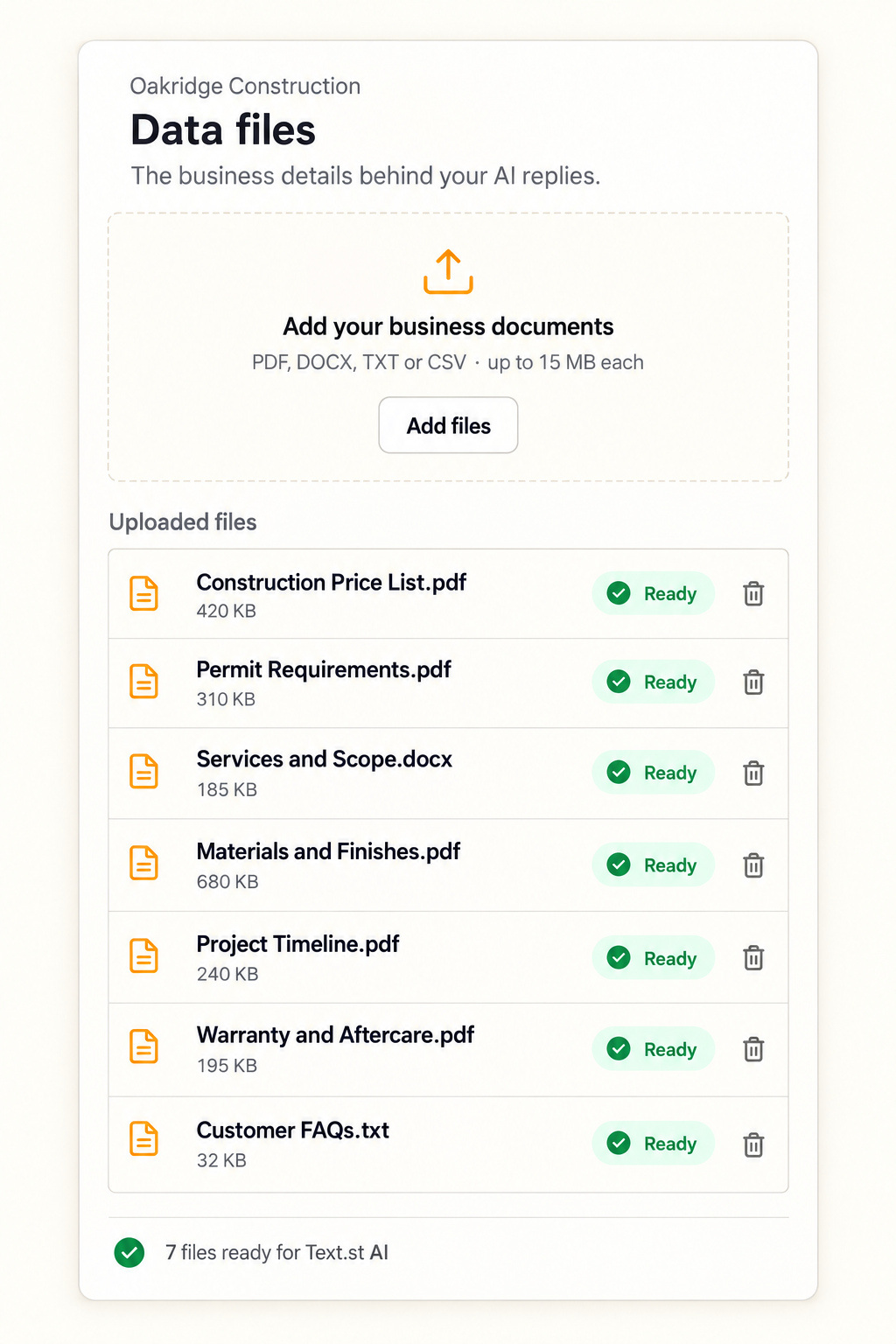
A website visitor might ask whether you cover their neighborhood, provide a particular service or have appointments available. Give your assistant the business information needed to handle these questions accurately. Services, operating hours, service areas and pricing guidance are useful starting points.
Text.st AI uses your Business Knowledge to answer routine questions by SMS. The customer can continue replying after leaving your website, while the conversation stays available in your Leads Inbox. Once messaging is approved, this gives inquiries a written route into your business.
Make every reply useful
Imagine a homeowner texting, “Do you repair patio door locks?” A helpful reply confirms whether the business provides that service, explains the next step and asks for information needed to move forward. Avoid a vague acknowledgment that leaves the customer repeating their request.
Keep replies concise and relevant. If a final price requires an inspection, explain that clearly using your approved business guidance. If the customer wants an appointment or a callback, help them reach the appropriate action without making promises your business cannot fulfill.
Keep the context with your team
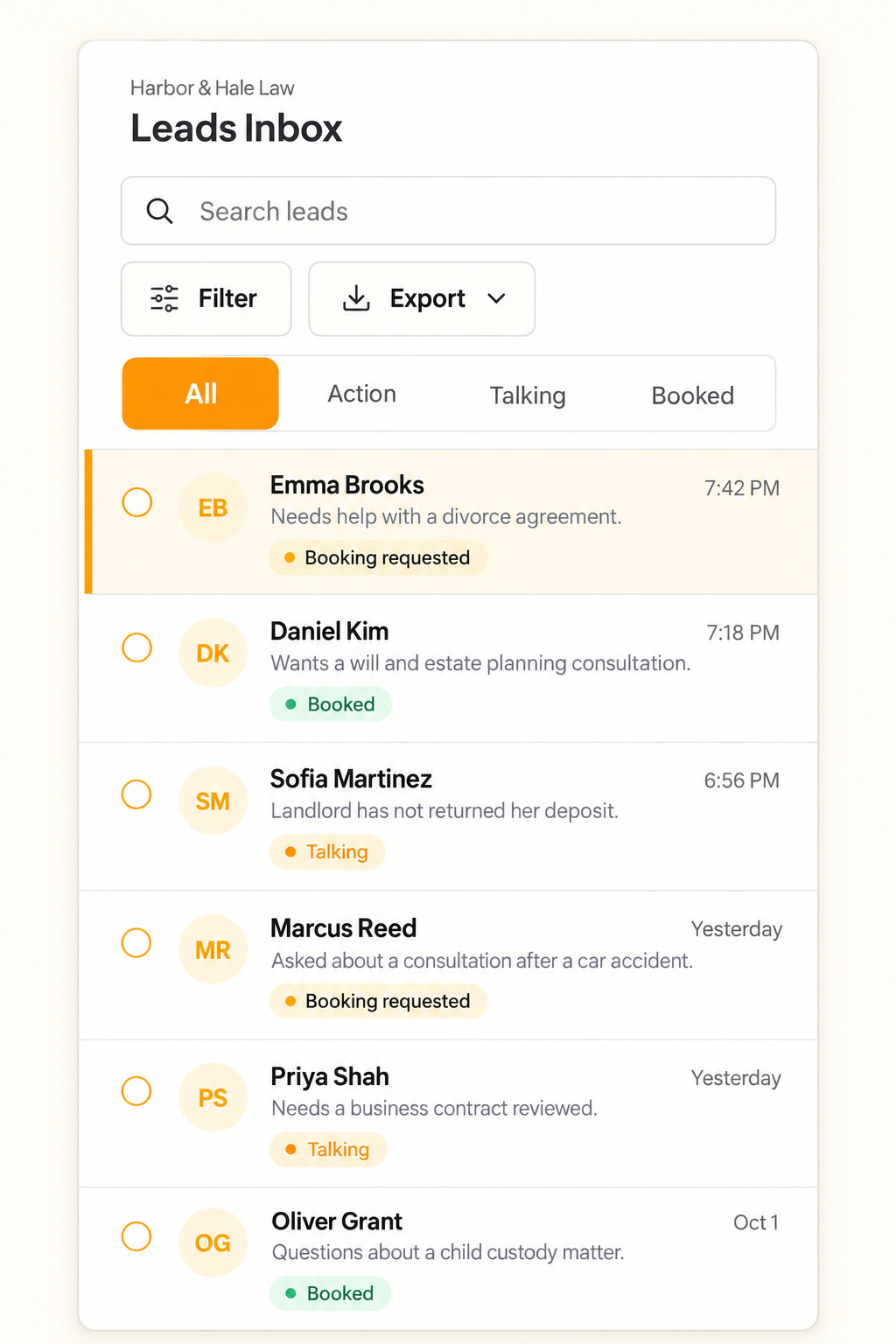
Fast replies work best when your team can see what happened next. Use the Leads Inbox to review the request, read the conversation and add private notes. A teammate can then follow up with the context already in view.
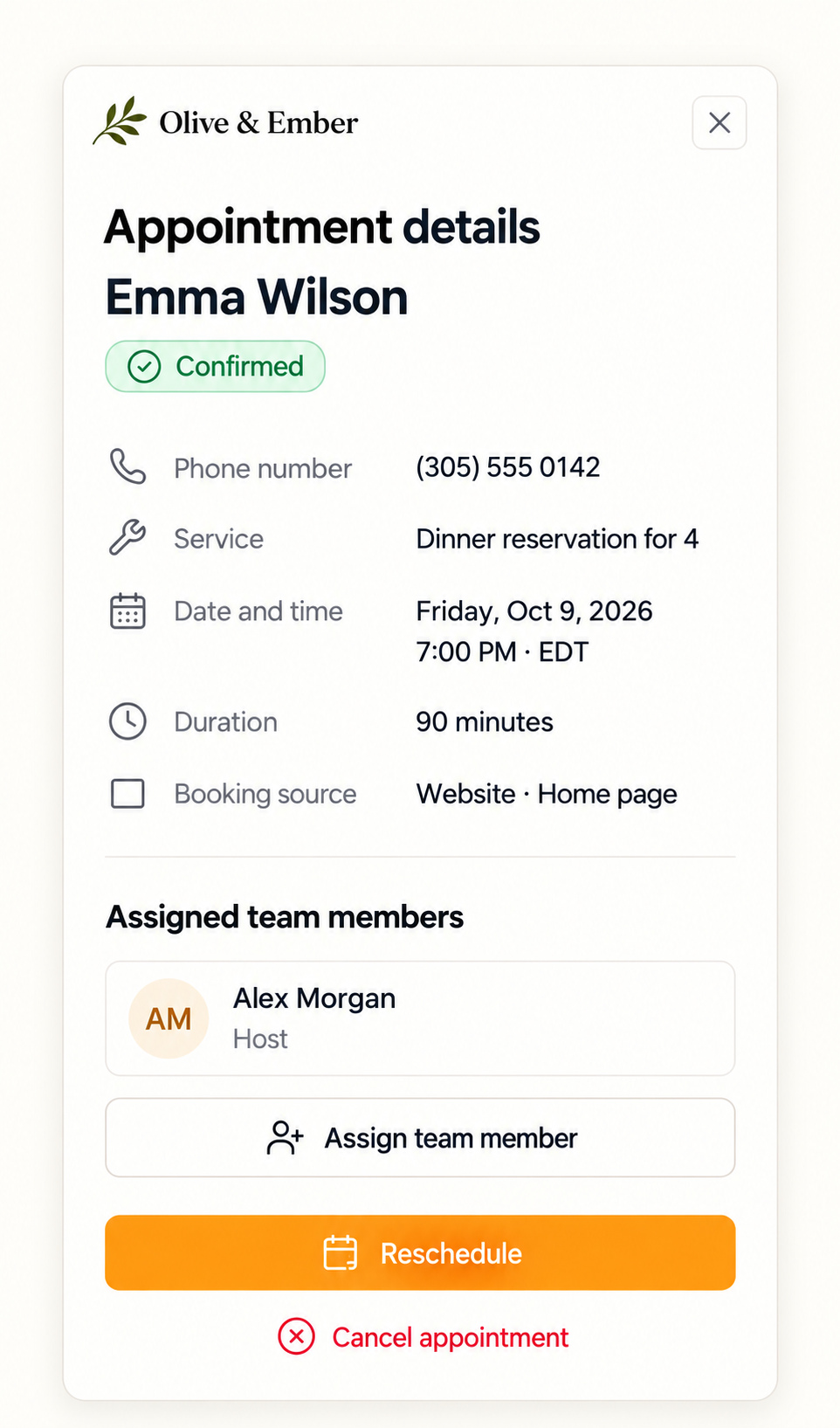
For bookings, check the customer, appointment time and assigned teammate in your calendar. For other requests, make ownership clear within your team. The practical benefit is less repeated questioning and a more coherent customer experience.
Measure and improve
Review first response times alongside outcomes. How often do customers reply? Which inquiries reach an appointment? Where do conversations stop? Compare similar types of requests so that changes in customer needs do not distort your assessment.
Make your review concrete: collect five real customer questions from your website visitors, note the reply each one needs and identify who should handle the next action. This gives your team a repeatable checklist for improving response quality while keeping the customer’s original request visible throughout the journey from inquiry to follow up.
Use Test Drive to practice real questions before live conversations. Give feedback on replies, approve the guidance you want Text.st AI to follow and test the scenario again. Start with one common inquiry, improve its journey and apply what you learn to the next. Explore Text.st’s lead management features to see how the workflow connects.