AI Customer Conversations
SMS Customer Service: Helpful Replies Around the Clock
Learn how SMS customer service connects business knowledge, helpful AI replies and a shared inbox to support customers at their own pace.
Support through a familiar channel
SMS customer service lets people ask questions and receive help through a text conversation. For service businesses, it offers a practical way to explain services, discuss appointments and respond to routine requests while customers continue with their day.
The conversation can carry on after someone leaves your website. They can read your reply when convenient and respond in the same thread. Your team also has a written record to review, which helps preserve details that could otherwise be repeated or forgotten.
Give AI the right Business Knowledge
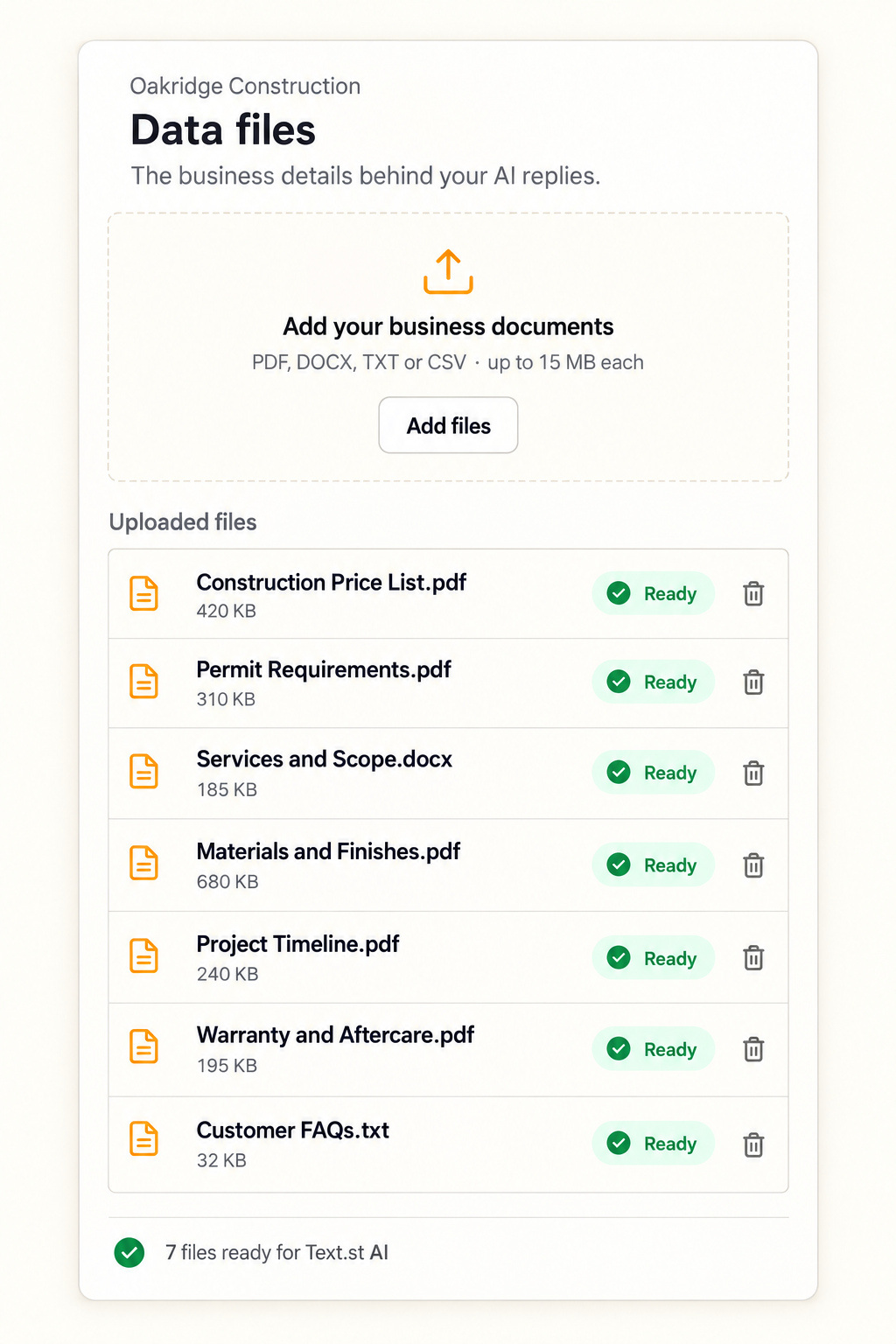
Helpful replies begin with accurate business information. A construction company might upload a service price list, permit requirements, project timelines, material options and warranty terms. These documents explain what the company does and how customers should prepare.
Text.st brings website content and supported data files into Business Knowledge. Text.st AI uses that information to answer routine customer questions. Review your sources when services, policies or prices change so that your guidance remains useful. Clear source material gives your assistant a stronger foundation for customer conversations.
Answer with context and a next step
Consider someone asking, “Do I need a permit for a deck?” The assistant should follow the company’s approved guidance, explain which details matter and offer the appropriate next step. An answer can help the customer prepare while avoiding an unsupported promise about their specific project.
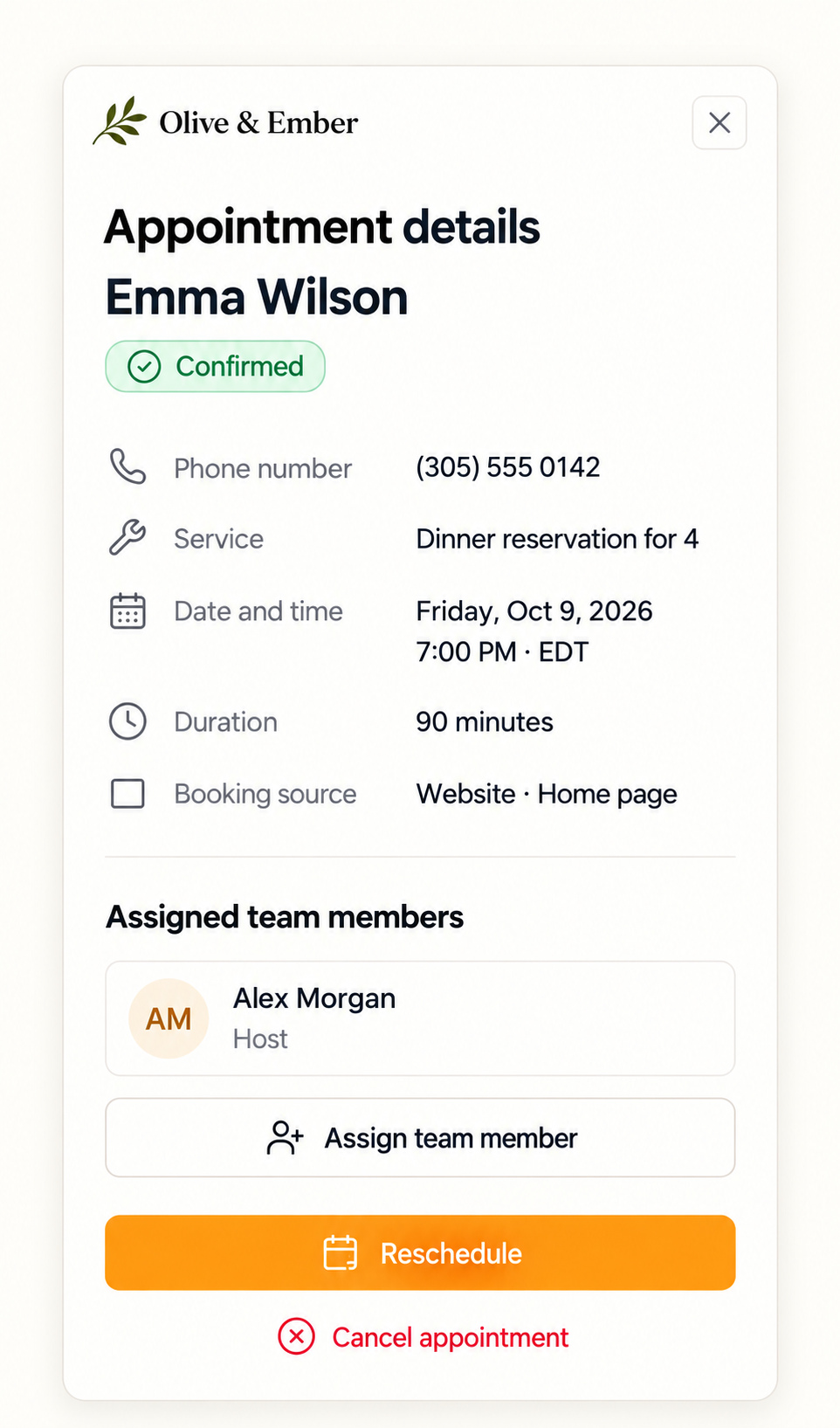
The same approach works for opening hours, service coverage and appointment questions. Keep each reply focused on what the person asked. When more information is needed, ask a clear question. When an appointment makes sense, guide the customer toward the available booking action.
Make written support more accessible
A written option can help customers with hearing or speech difficulties communicate at their own pace. It also gives someone in a busy environment a way to ask for support without starting a phone call.
Text.st supports multilingual conversations, with ten system languages for its interface. These are separate capabilities: the language your team uses to navigate the workspace and the language a customer uses to communicate. Test relevant customer scenarios and review the wording that represents your business.
Improve the experience before going live
Use Test Drive to ask the questions your customers actually send. Check whether replies reflect your services, explain limitations clearly and offer a sensible next step. Turn useful feedback into approved guidance for future conversations.
Keep internal working documents separate from material that should guide customer replies. Upload clear, relevant business sources and check how their information appears in your test conversations. Practical examples from your own business help you decide whether the assistant’s response represents the service customers should expect.
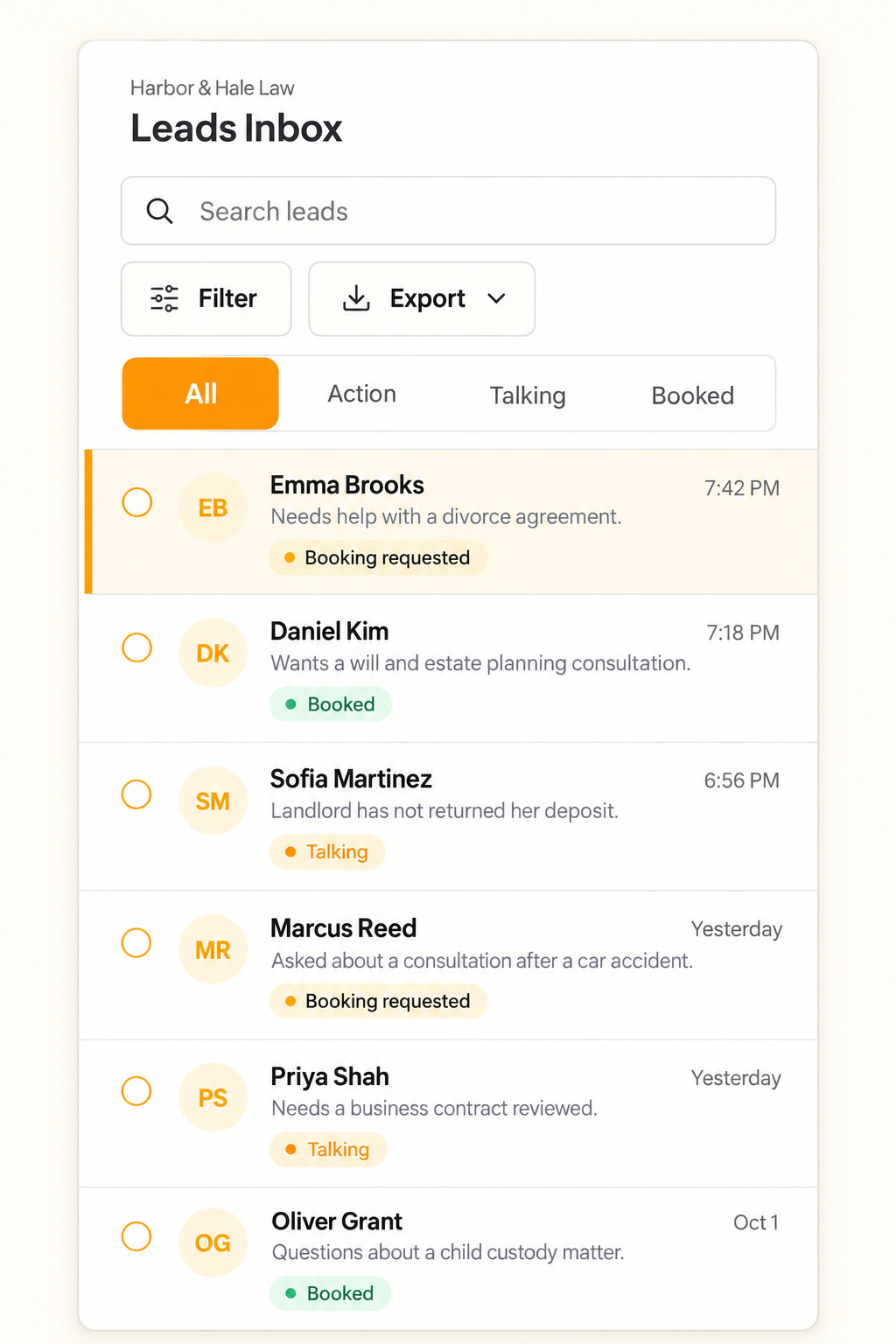
Your team can review message history and private notes in the Leads Inbox, then step into a conversation when needed. Monitor recurring questions to identify gaps in your content. Update the underlying Business Knowledge and test again. Explore Text.st AI and Business Knowledge to build a customer service workflow grounded in the information your business already has.