Bookings and Lead Management
A Clear Text Intake Checklist for Service Requests
Use service request text intake to gather the details your team needs and make the next step clear for customers.

Start with the message in front of you
Service request text intake can feel like a puzzle when a customer sends a quick message between jobs. Your phone buzzes with “Can you take a look?” You want to help, but you do not yet know what the issue is, where the work is, or how urgent it feels. A short, repeatable way to gather details keeps the conversation clear without making the customer do all the work.
The goal is not to ask everything at once. It is to understand enough to choose a useful next step, then ask only for details that are still missing.
Decide what your team needs to know
Before answering new inquiries, write a simple intake checklist for your business. Consider which details help you understand the request: the service needed, the property or job location, a description of the issue, and the customer’s preferred way to move forward. Your checklist should reflect the work you actually do, not a generic script.
Separate essential questions from details that can wait. A customer asking about a leaking pipe may need a different first response than someone asking about a routine lawn visit. Keep the opening question easy to answer, and explain why you need any sensitive or detailed information.
Ask in a natural order
Begin by acknowledging the request in plain language. Then ask one focused question at a time. If the customer has not shared a location, ask for the service area or address details your team needs. If the problem is unclear, invite a short description. Avoid sending a long list that feels like a form.
After each answer, reflect the key detail back in your own words. This gives the customer a chance to correct a misunderstanding before your team makes plans. When you have enough context, tell them what happens next, such as arranging a call, reviewing the request, or discussing a booking if your business supports it.
Make the next step easy to understand
A useful intake conversation does not leave the customer guessing. Say whether your team needs more information, will follow up, or can discuss a booking. If the request is outside your service area or scope, explain that clearly and politely. Do not imply that a visit or appointment is confirmed until it actually is.
Keep your checklist somewhere the team can use it when replying. Review it when services or processes change. If a question keeps causing confusion, make it more specific or move it later in the conversation. Consistent, simple wording helps the whole team understand what has already been discussed.
Keep the conversation together
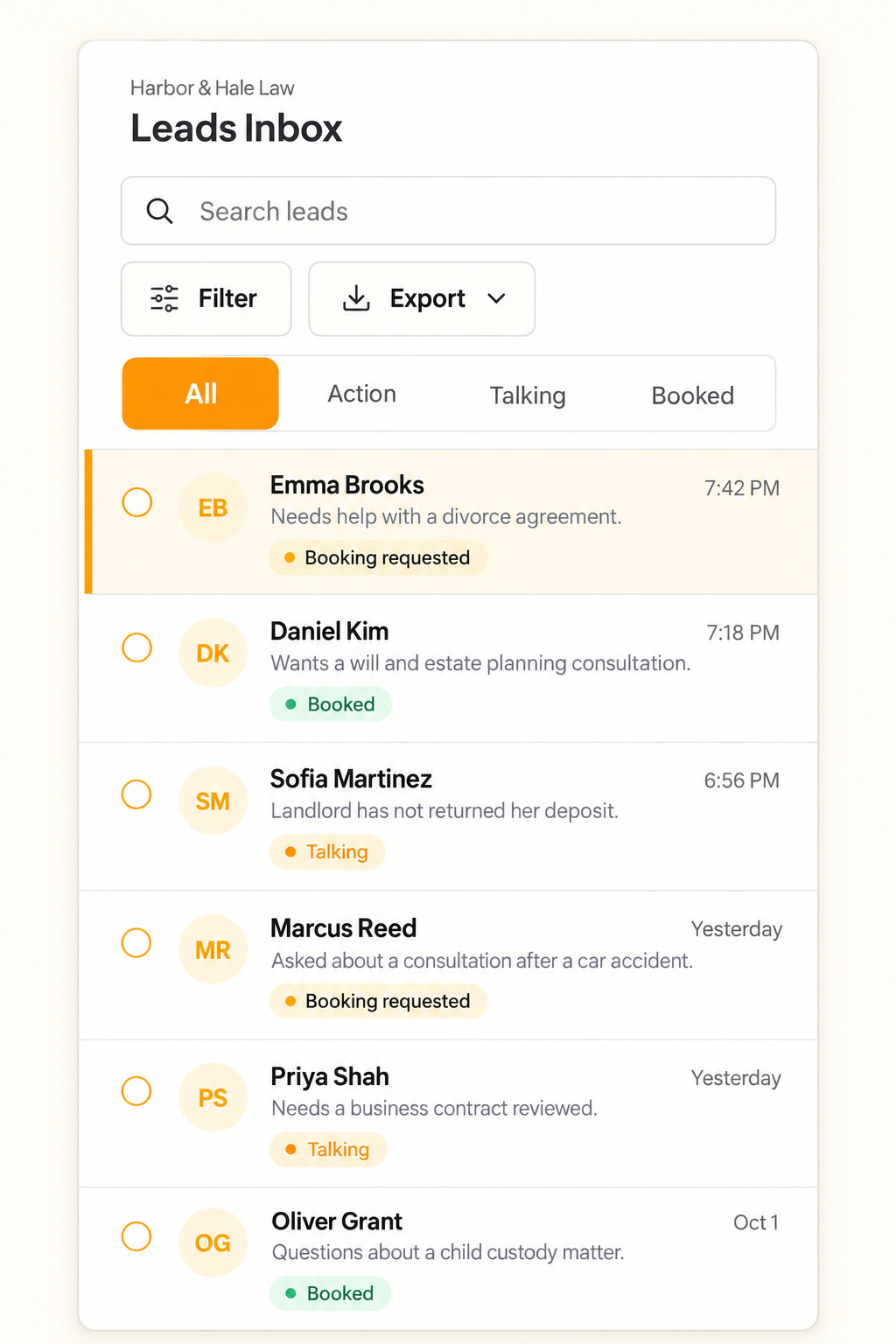
When customer texts arrive on a shared business number, make sure the team can see the full exchange before replying. That way, a teammate can understand what the customer has already explained and continue the conversation with context. Keep useful contact details and the request together so your team can follow up.
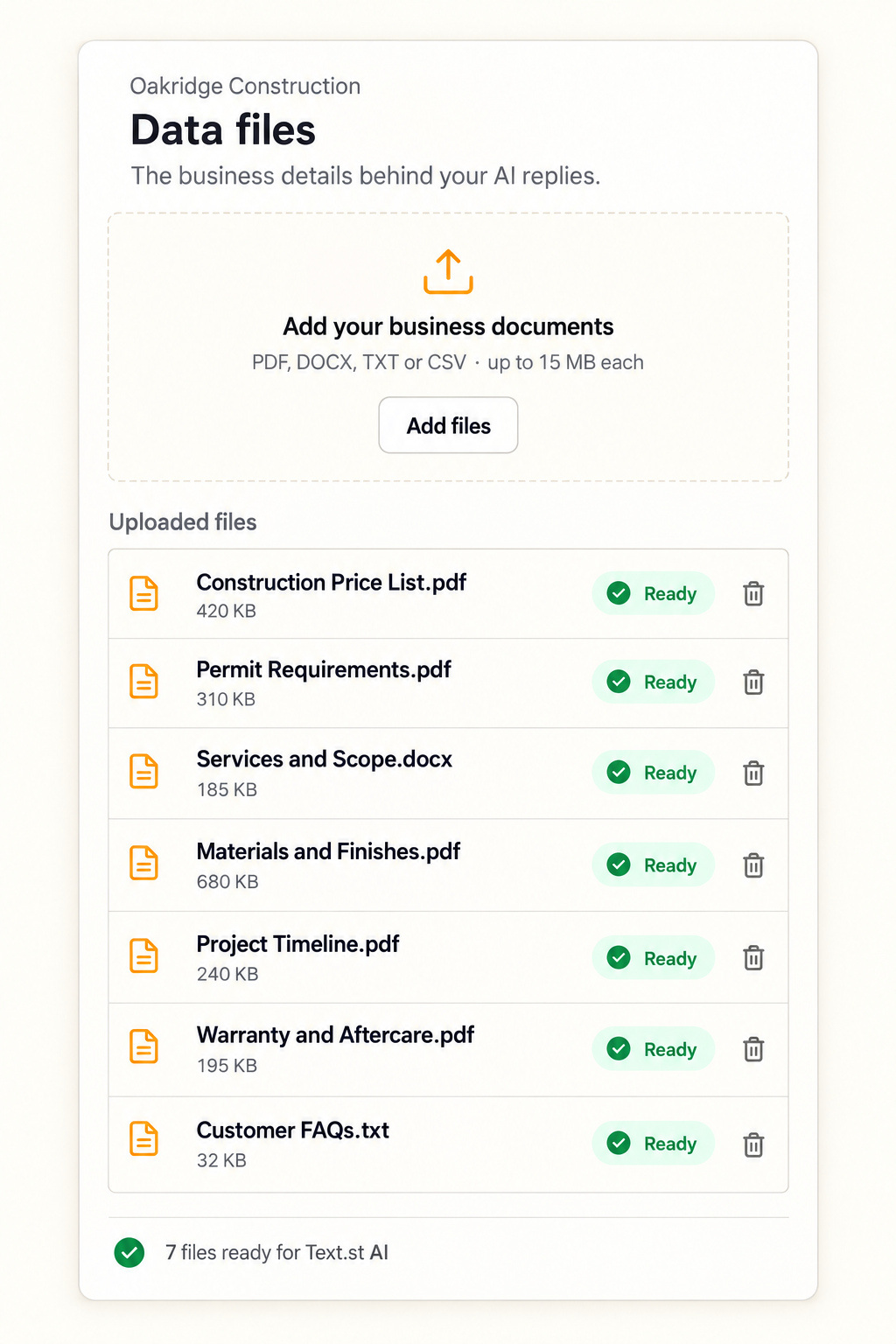
Text.st gives a business an activated phone number customers can text directly, and its shared Inbox shows conversations to the team so team members can reply. Text.st AI replies using the business knowledge you provide through website pages and uploaded documents. Test Drive lets you try AI replies before going live. Get your business texting number with Text.st.
Common questions
What should I ask first when a customer texts about a service request?Acknowledge the request, then ask the single detail that most affects what your team can do next. That might be the service needed, the location, or a brief description of the issue. Tailor the first question to your work and avoid asking for information you do not need yet.
Should I ask customers to send photos by text?Ask for a photo only when it would help your team understand the request, and make it optional if a description is enough. Explain what the photo should show and avoid requesting sensitive personal details. If a photo does not answer the key question, continue with a clear follow up.
Can Text.st AI follow my service request intake checklist?Text.st AI replies using business knowledge you provide through your website pages and uploaded documents. You can use those materials to explain your process and the information your business needs. Test Drive lets you try AI replies before going live. Review replies against your checklist as part of that preparation.