AI Customer Conversations
How to Write Clear Service Delay Text Messages
Use service delay text messages to set clear expectations, share useful updates, and keep customers informed when a visit runs late.

The moment a schedule slips
You are finishing one job when a customer calls to ask where you are. The next appointment is already running late, and you still need to let the person waiting know. Clear service delay text messages can help customers understand what has changed without leaving them guessing. The key is to share what you know, avoid promises you cannot keep, and make it easy for someone to ask a question. A short, considerate update is better than silence, especially when the customer has set aside time for your visit.
Confirm the facts before you write
Before sending an update, check the details with the person closest to the work. Is the delay confirmed, or could the schedule still change? What is the most honest arrival estimate you can give? If you do not know yet, say so plainly and tell the customer when you will check again. Do not guess to make the message sound reassuring. A useful update gives the customer enough information to decide what to do next, even if the final timing is not settled.
Keep the message useful and human
Start with the customer’s appointment or service so the reason for your message is clear. Acknowledge the inconvenience, explain the delay briefly, then share the latest reliable timing. If you cannot give a firm estimate, offer a specific next update point rather than an unsupported arrival time. Close with a simple way to reply if their plans have changed. Keep the tone calm and personal. Avoid internal details that do not help the customer, and do not make them work to understand what the delay means for their visit.
Make updates easier for your team
Agree on a simple team routine: who confirms a schedule change, who contacts the customer, and where the latest details are recorded. This helps prevent one person from sharing an old estimate while another has newer information. Keep the customer’s preferred contact details and conversation together so a colleague can follow the thread if needed. When the schedule changes again, send a revised update instead of assuming the first message is still accurate. A consistent process makes it easier to be courteous even on a busy day.
Common questions
What should I include in a text about a late service visit?Identify the visit, acknowledge the inconvenience, and give the most reliable timing you have. If you cannot confirm arrival yet, be honest and tell the customer when you will update them again. Add a simple invitation to reply if the delay affects their plans, and avoid details that do not help them decide what to do.
Should I give an arrival time if the schedule is still changing?Only share an estimate you can reasonably stand behind. If the timing is uncertain, explain that it is not confirmed and offer a clear next update point instead. Check with the person managing the job before sending a revised estimate, so the customer receives the latest information rather than a hopeful guess.
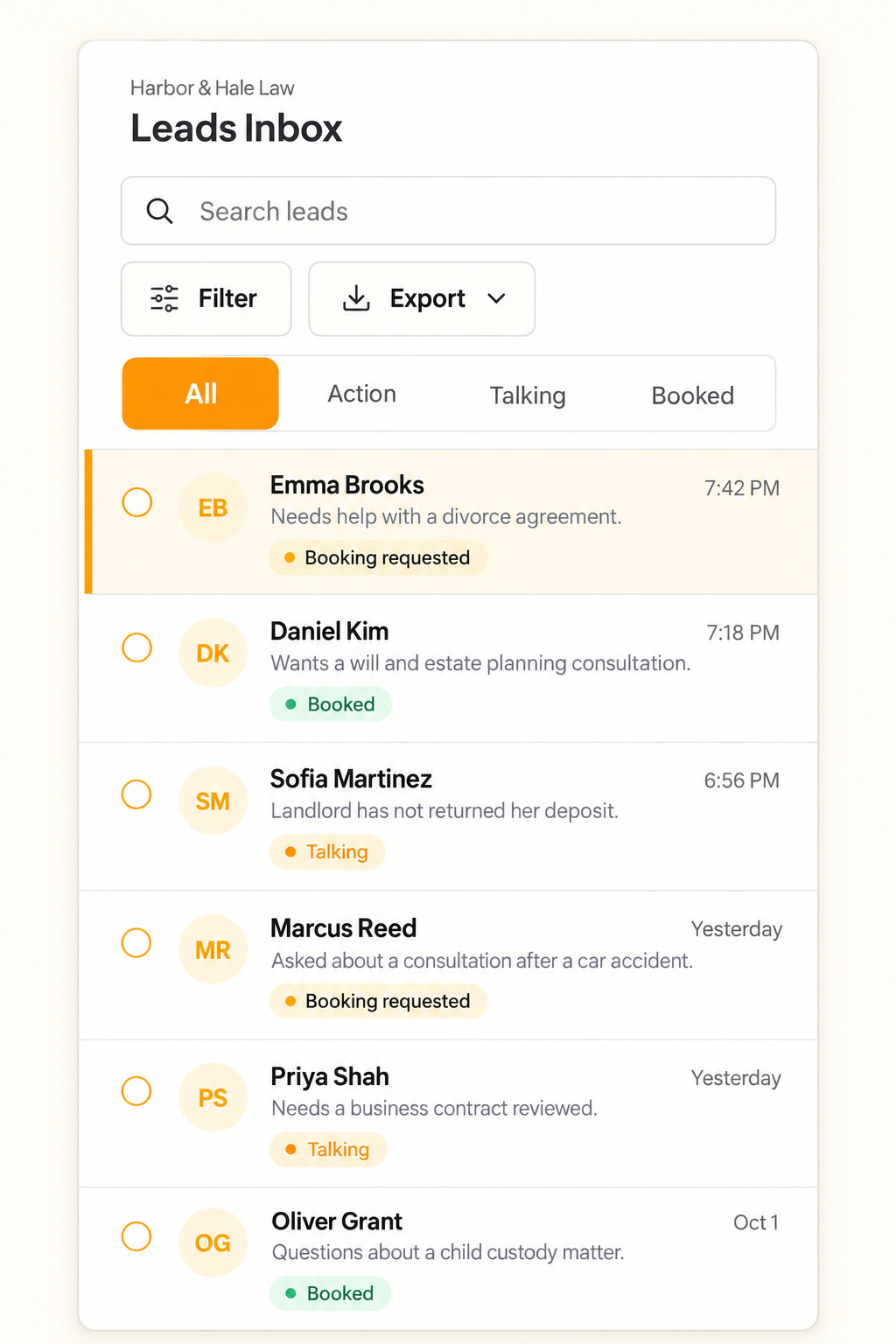
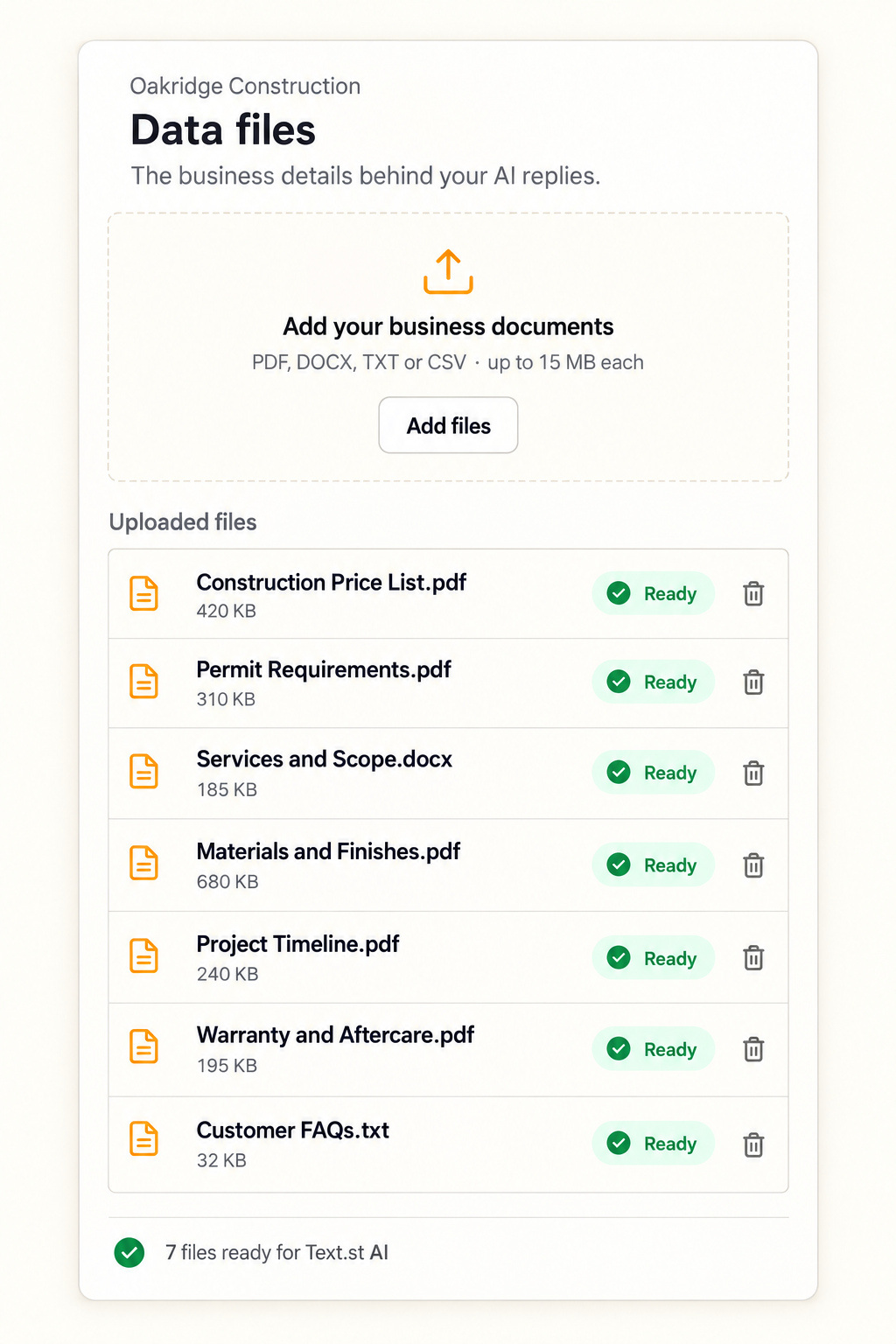
Can Text.st help my team handle customer replies about delays?Text.st provides an activated number customers can text, and its shared Inbox shows conversations to the team so members can reply. Text.st AI replies to incoming messages using business knowledge you provide through website pages and uploaded documents. Test Drive lets you try AI replies before going live.