Bookings and Lead Management
How to Explain a Service Cancellation Policy by Text
A clear service cancellation policy by text helps customers understand changes and gives your team a steady way to respond.

A cancellation text arrives mid job
You are carrying supplies inside when your phone buzzes: a customer needs to cancel today’s visit. You want to be helpful, but you also need to explain what happens next without losing track of the job you are doing. A clear service cancellation policy by text can make that exchange simpler for both sides. The goal is not to sound rigid. It is to give customers understandable options and help your team respond consistently when plans change.
Put the policy in plain language
Start by writing down the details customers need before they make a decision. Explain how to cancel or ask for a new appointment, whether you need notice, and whether any fees or other terms apply. Include what customers should do if they have a question. Use the same wording on your website, in booking information, and in team replies so customers do not have to reconcile different versions.
Keep the policy specific to your business. If a situation needs a person to review it, say so instead of implying every request will receive the same answer. Make the next step obvious, such as replying with a preferred time to discuss a change. Clear wording can prevent a customer from mistaking a policy explanation for confirmation that an appointment has changed.
Prepare answers before the next request
Write a short answer for the situations your team handles most often, such as a customer asking to cancel, move a visit, or learn whether a fee applies. Check that each answer reflects your actual policy. If the details depend on the service or booking, explain what information you need before giving a specific response.
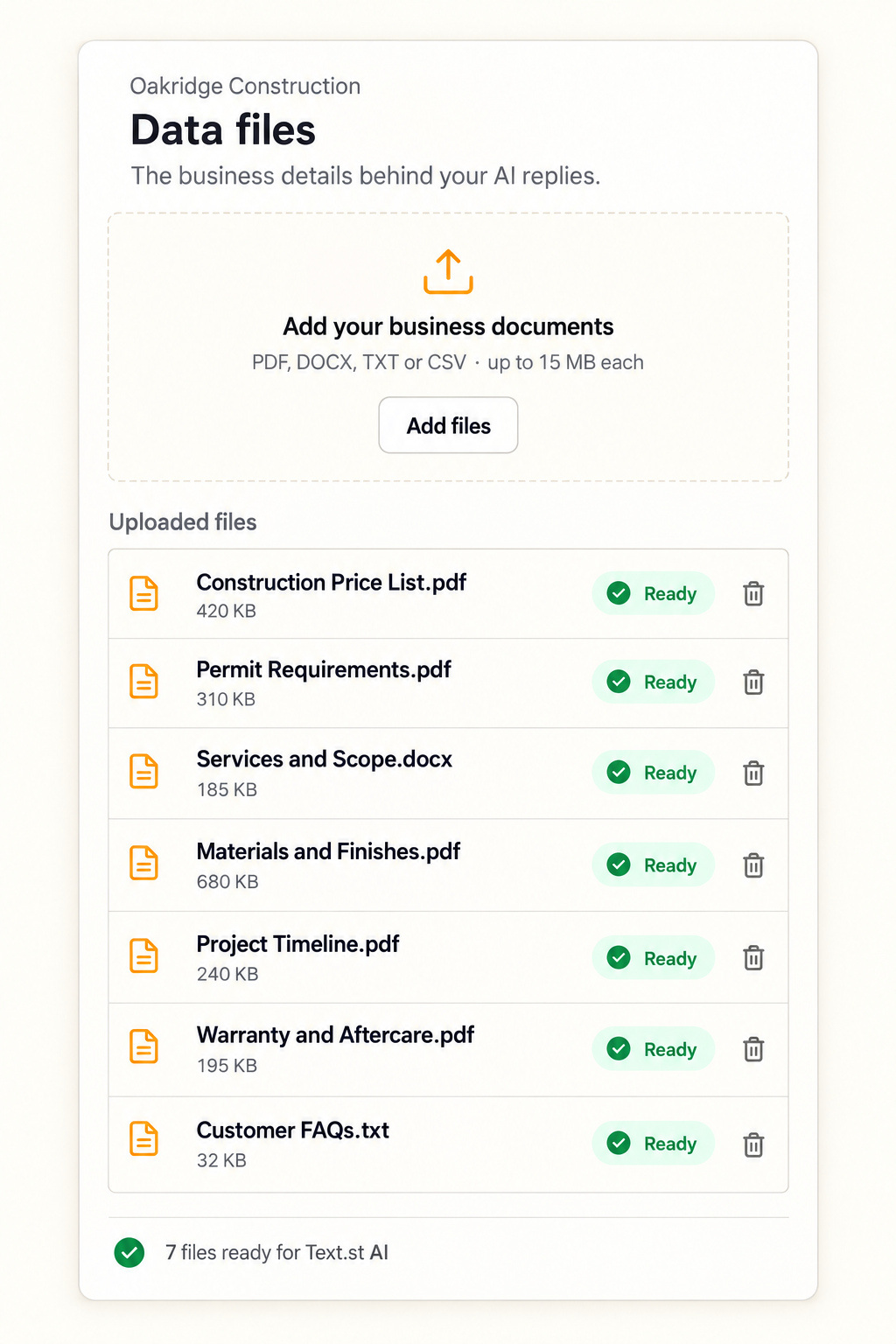
Review the relevant website pages and customer documents, and update any outdated policy language. If you use an AI tool to reply to customer messages, the information it uses matters. Text.st Business Knowledge lets a business teach its AI with website pages and uploaded documents. Test Drive lets you try its AI replies before going live, giving you a chance to check whether policy answers are clear and accurate.
Give the team a steady handoff
Decide who should handle requests that need judgment, and what details the team should check before replying. A customer’s name, appointment details, and reason for changing plans may help the team understand the request. Ask only for information that is useful to resolve it, and avoid promising a new time until the change is confirmed.
A shared process also helps when the first person who sees a message cannot finish the conversation. Keep the policy easy for the team to find, and agree on how to mark a request as pending or resolved using your existing workflow. Customers should receive a clear response about what is happening next, even when the team needs to review the request first.
Make texting part of the process
Before inviting customers to text, check what messaging certification applies where your business operates. Requirements vary, and certification can be required before business texting. Then share clear instructions on where customers can send a request and when they should expect a reply. Keep the policy accessible on your website as well, so customers can review it before they need it.
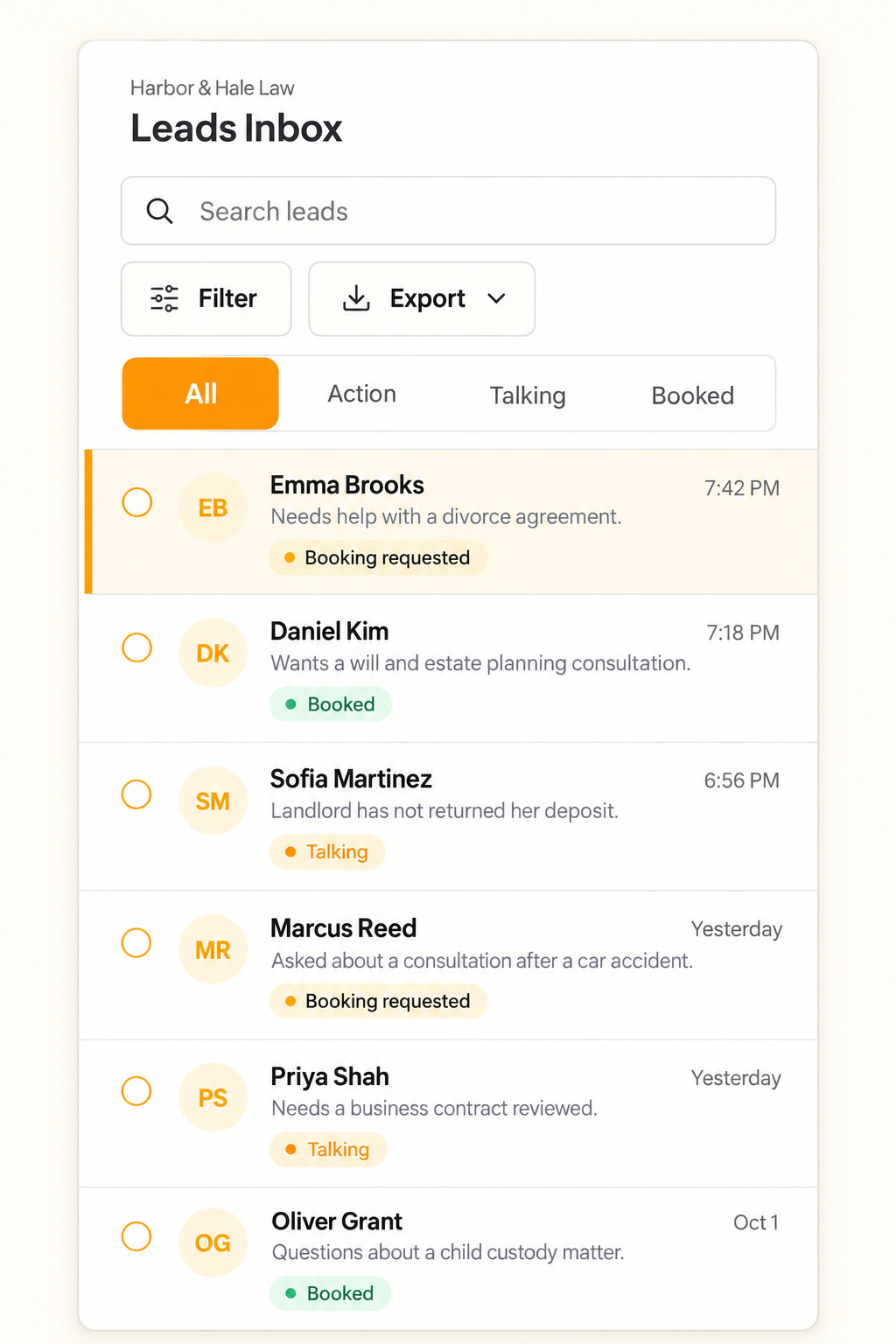
Text.st gives a business an activated phone number customers can text directly, and Website Widgets let visitors start a text conversation from the website. Its shared Inbox shows conversations to the team so team members can reply, while leads and contacts are kept in the Inbox and CRM for follow up. Get your business texting number with Text.st.
Common questions
What should a cancellation policy text include?Explain how customers can cancel or request a change, any notice period or fees that apply, and what they should do next. Keep the wording consistent with your actual business terms. If a request needs individual review, say that clearly rather than suggesting the change is already confirmed.
Should a text reply confirm that an appointment is cancelled?Only confirm a cancellation after your team has checked the request and followed its process. If you still need details or approval, tell the customer what information is missing and that the request is being reviewed. Clear status updates help avoid confusion about whether the original appointment still stands.
How can I prepare AI replies about my cancellation policy?Give the AI accurate policy information, including relevant website pages and uploaded documents. Make sure those sources explain when notice is needed, whether fees apply, and when a person should review a request. Use Test Drive to try replies before going live and check that they reflect your business terms.