Bookings and Lead Management
Make Booking Easier With the Right Service Appointment Details
Collect useful service appointment details by text so customers can explain the job before your team helps them choose a booking.

Start with the job, not the calendar
A customer wants to book, but your team still needs to know what they need. Offering a time before understanding the job can lead to another conversation, a changed appointment, or a customer wondering what happens next. A short text conversation gives them a practical place to start.
Collecting service appointment details before booking helps your team understand the request without making the customer work through a long intake form. The goal is a useful conversation: enough context to guide the next step, with a clear reason for each question.
Ask for details that change the next step
Start with the service they need and a brief description of the issue or goal. Then ask only what helps your team decide how to proceed. For a home service business, that might include the service area and whether the work involves an existing installation or something new.
Keep each question easy to answer. “What would you like us to help with?” is a friendlier opening than a checklist of every possible job detail. Ask a relevant follow up once you understand the request. Leave information that does not affect booking until it is needed.
Keep the conversation useful for your team
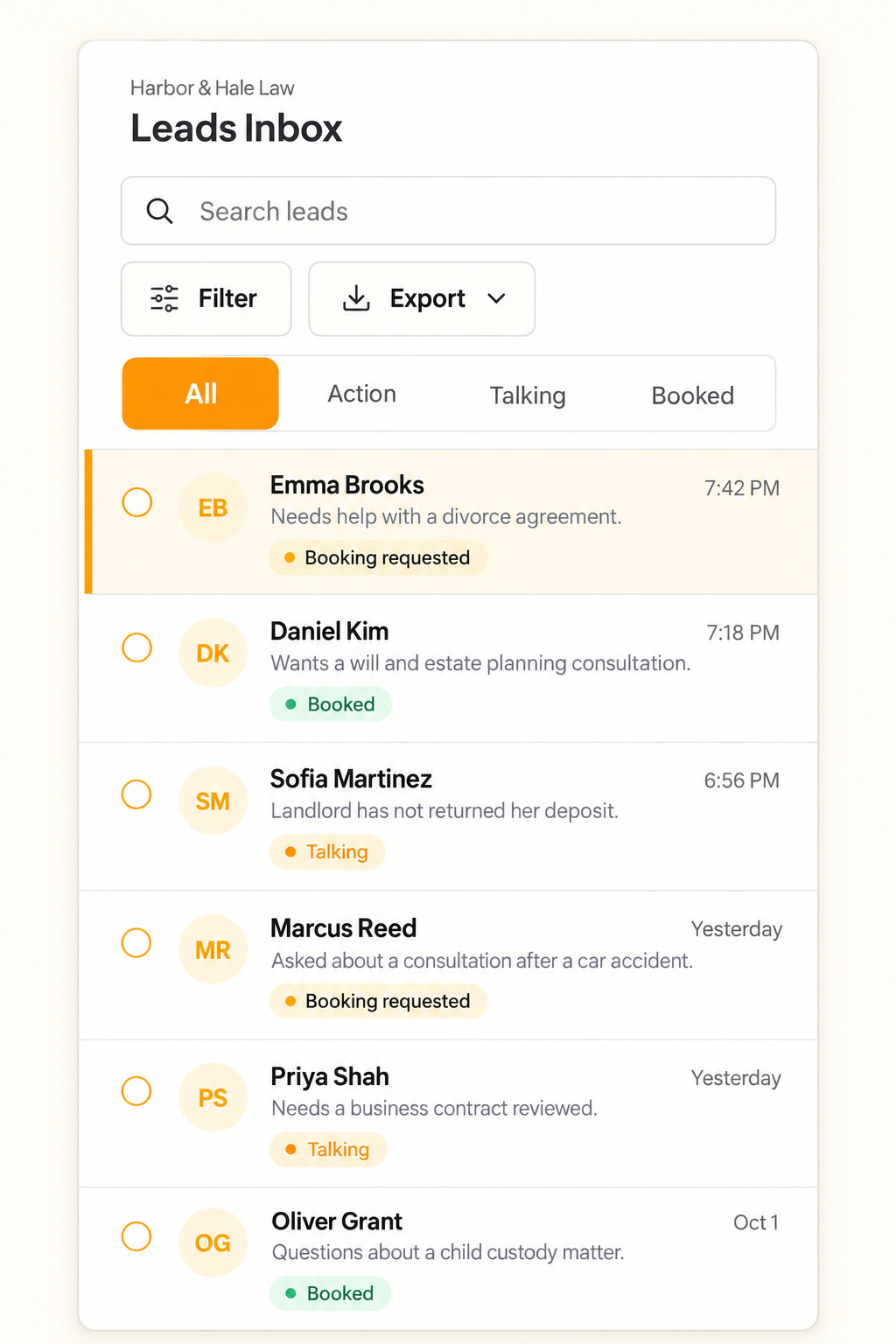
When someone else picks up the request, the customer should not have to explain the job again. Text.st gives your team a shared inbox and CRM for business texting conversations. That provides a place to review what the customer has already shared before asking another question.
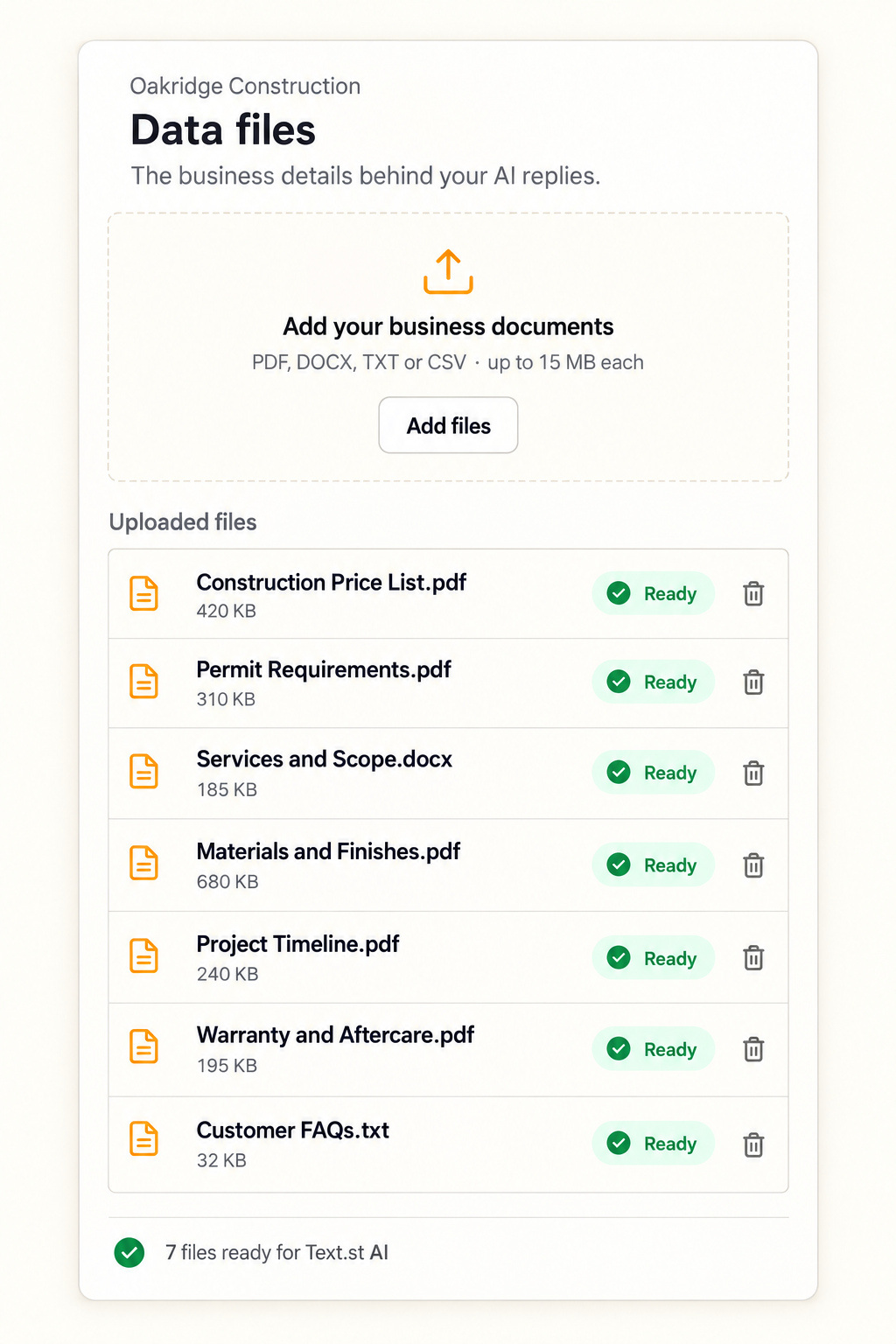
Text.st AI can reply using knowledge your business provides through its website or uploads. Keep that information accurate and clear about your services. Your team can use the conversation to identify what still needs clarification before a booking is appropriate.
Make the move to booking clear
Once the useful details are gathered, summarize the request and explain what comes next. Booking is available with Text.st where configured. If your team needs to review the job first, say so rather than making an unconfirmed appointment sound settled.
A business texting number gives customers a direct way to share the context behind their request. Start with the questions your team genuinely needs answered, then make the path to booking easy to understand.
Common questions
What service appointment details should I collect?Start with the requested service, a short description of the job, and any information needed to decide the next step. Depending on your business, that could include the service location or the type of equipment involved. Avoid asking for details that do not help you handle the request.
Should I ask every question before offering an appointment?Ask only what your team needs to understand the request and decide whether booking is appropriate. A lengthy questionnaire can make a simple request feel complicated. Use the customer’s first answer to guide the next question, and explain when a detail is needed before moving forward.
Can Text.st help with booking conversations?Text.st provides an activated business texting number, AI replies based on knowledge supplied through your website or uploaded documents, and a shared inbox and CRM for your team. Booking is available where configured. Keep your service information current so the conversation reflects what your business actually offers.