Bookings and Lead Management
How to Organize Service Text Inquiries for Your Team
Organize service text inquiries with a clear intake process, useful handoffs, and practical follow up for your local service team.

When every message lands in a different place
Organize service text inquiries before a busy day turns into a hunt for missing details. A customer asks about a repair while you are speaking with someone at the counter. A teammate sees the message later, but cannot tell whether anyone replied or what the customer needs next. That small gap can leave both the customer and your team unsure.
A simple process helps keep each request clear from first contact to follow up. You do not need a complicated script. Start by deciding what information to capture, who should respond, and where the team can see the conversation.
Capture the details your team needs
Ask for the details that help your business understand a request and decide what to do next. Depending on your service, that might include the type of work, the location, the customer’s preferred way to be contacted, or a useful description of the issue. Keep your prompts brief and relevant. Avoid asking for information your team does not need to handle the request.
Write down a short intake checklist today. Use plain language, and make each question easy to answer by text. If the request is unclear, ask one focused question at a time. This makes it easier for a customer to reply and gives your team a more useful starting point.
Make ownership and next steps visible
A request is easier to manage when the team can see who is handling it and what should happen next. Agree on a simple handoff habit, such as noting whether a request needs an answer, an estimate discussion, or a booking conversation. Keep the note factual and brief so another team member can understand it without asking the customer to repeat everything.
When someone takes over, have them review the conversation before replying. If the customer is waiting on information, say what you still need to check and when you expect to follow up, if you can give a realistic timeframe. Clear expectations are more useful than a vague promise.
Set a routine for checking and following up
Decide how your team will review incoming messages during the workday and when a request should be brought to the owner’s attention. Make the routine fit your actual staffing and workload. If you cannot respond right away, set an honest expectation rather than suggesting someone is watching messages constantly.
Before closing a request, check that the customer has the answer or understands the next step. If a conversation needs to continue later, leave a clear reminder for the team. A consistent review habit helps prevent requests from disappearing into personal phones, handwritten notes, or someone’s memory.
Put the conversation where the team can use it
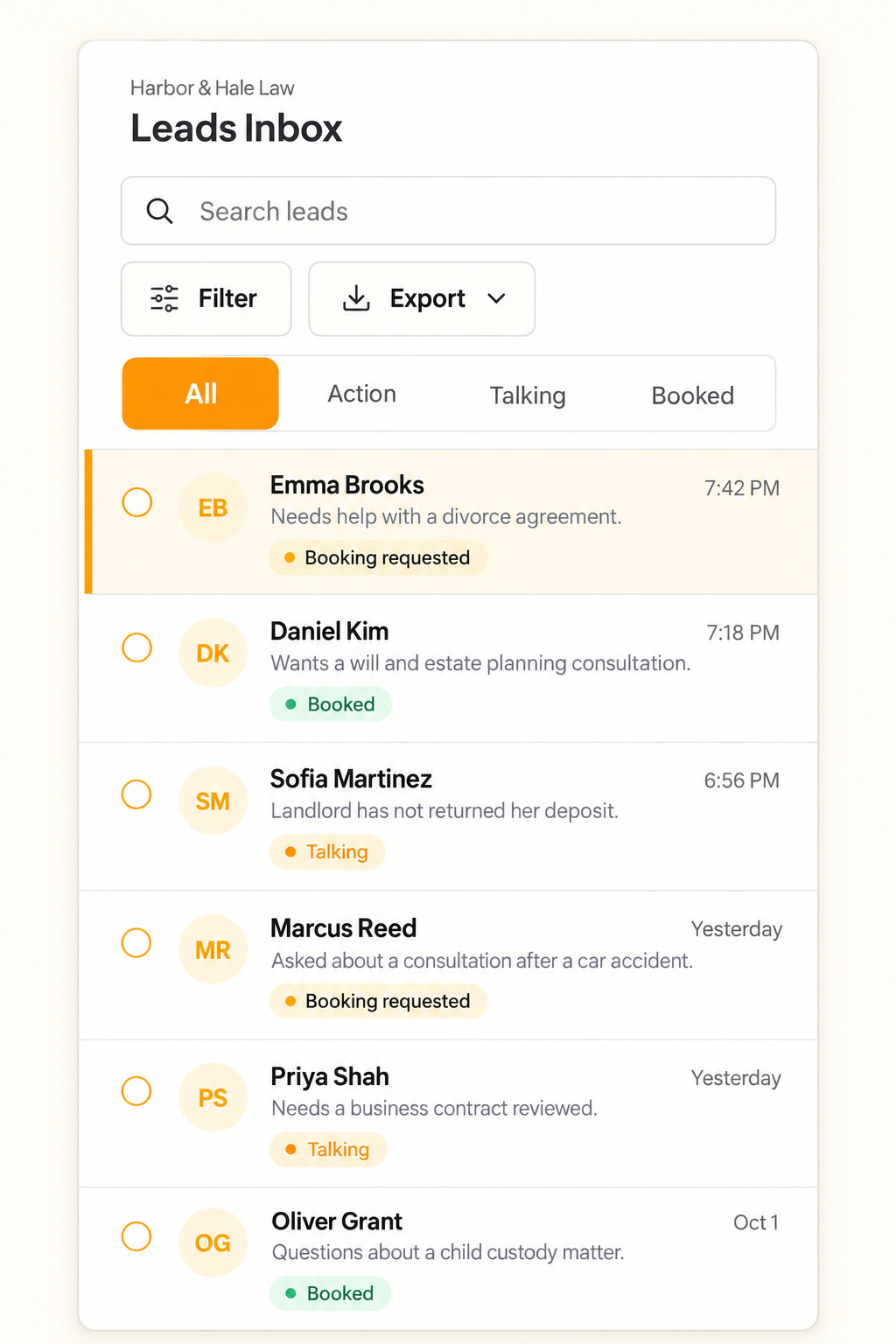
Text.st gives a business an activated phone number customers can text directly, and a Website Widget can let a visitor start a text conversation from the business website. Its shared Inbox shows conversations to the team, where team members can reply. Leads and contacts are kept in the Inbox and CRM so the team can follow up. Bookings can be supported where the business configures them, and Test Drive lets the business try AI replies before going live.
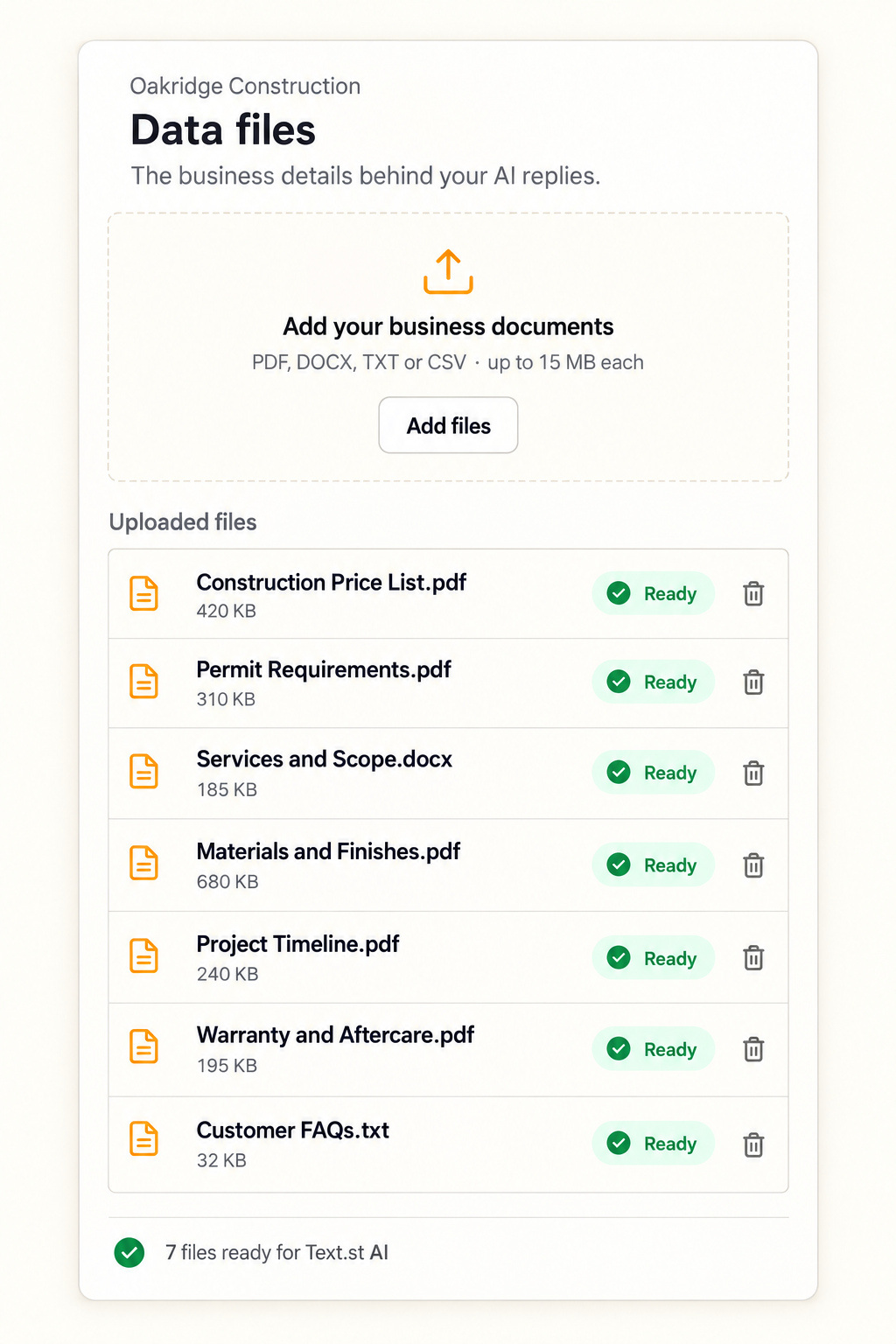
Text.st AI replies using Business Knowledge the business provides through website pages and uploaded documents. Text.st also supports team collaboration and mobile access. Messaging certification may be required before business texting in some countries, and Text.st assists with certification. Messaging usage and carrier charges are separate from the subscription. Get your business texting number with Text.st.
Common questions
What details should I ask for in a service text?Ask for details that help your team understand the work and choose a next step, such as the service needed and the relevant location. Keep questions brief, request only what you need, and ask one clear question at a time. Avoid inviting customers to send sensitive information by text.
How can a small team avoid replying twice to the same request?Agree on a shared place to review conversations and a simple handoff habit. Before replying, check whether someone has already answered and note who is handling the request. Text.st’s shared Inbox shows conversations to the team, and team members can reply there.
Can customers text my business without using its website?Yes. Text.st gives a business an activated phone number customers can text directly, without starting through a Website Widget. A Website Widget is another way for a visitor to begin a text conversation from your website. Messaging certification may be required before business texting in some countries.