SMS Costs and Certification
How to Set Up a Business Text Number for Launch
Learn how to set up a business text number, check certification requirements, test replies, and plan a careful launch for your service business.

Start at the checkout counter
Keep checkout simple when a client asks, “Can I text the salon?” and your only answer is a personal number. Learning how to set up a business text number starts with deciding what should happen after that first message, not printing a new sign.
Before opening, write down where customers will see the number, what they should use it for, and who will check incoming conversations. Treat setup as a controlled launch, with a final check before you share the number publicly.
Choose one starting use
Pick a clear initial purpose, such as general questions about your services. Decide which requests need a team member rather than a routine answer. This gives you a practical way to judge whether your setup works.
Choose the business texting service you will use and confirm how you will receive an activated number. Ask about subscription costs, messaging usage, and carrier charges separately. Before placing the number anywhere public, decide where it will appear first so you can review that customer path.
Check requirements before launch
Ask your provider whether messaging certification is required for business texting in your country. For businesses in the United States and Canada, confirm the requirements that apply to your setup rather than assuming a number is ready to use.
Follow the provider’s instructions and confirm any required certification is complete before starting business texting. Keep a simple launch note showing what is finished and what still needs attention. Do not announce a start date until you have checked readiness with your provider.
Run a practice conversation
Gather the service information you want customers to receive, then check that it is current. Write realistic test questions about opening hours, available services, and policies. Include a question your materials do not answer so you can review what happens when information is missing.
Decide who will review conversations and when someone should step in. Once the setup is ready, test the customer path from the first place you plan to share the number. Check the displayed number carefully before copying it elsewhere. Keep the first placement limited until you have checked the full experience.
Put the setup into practice
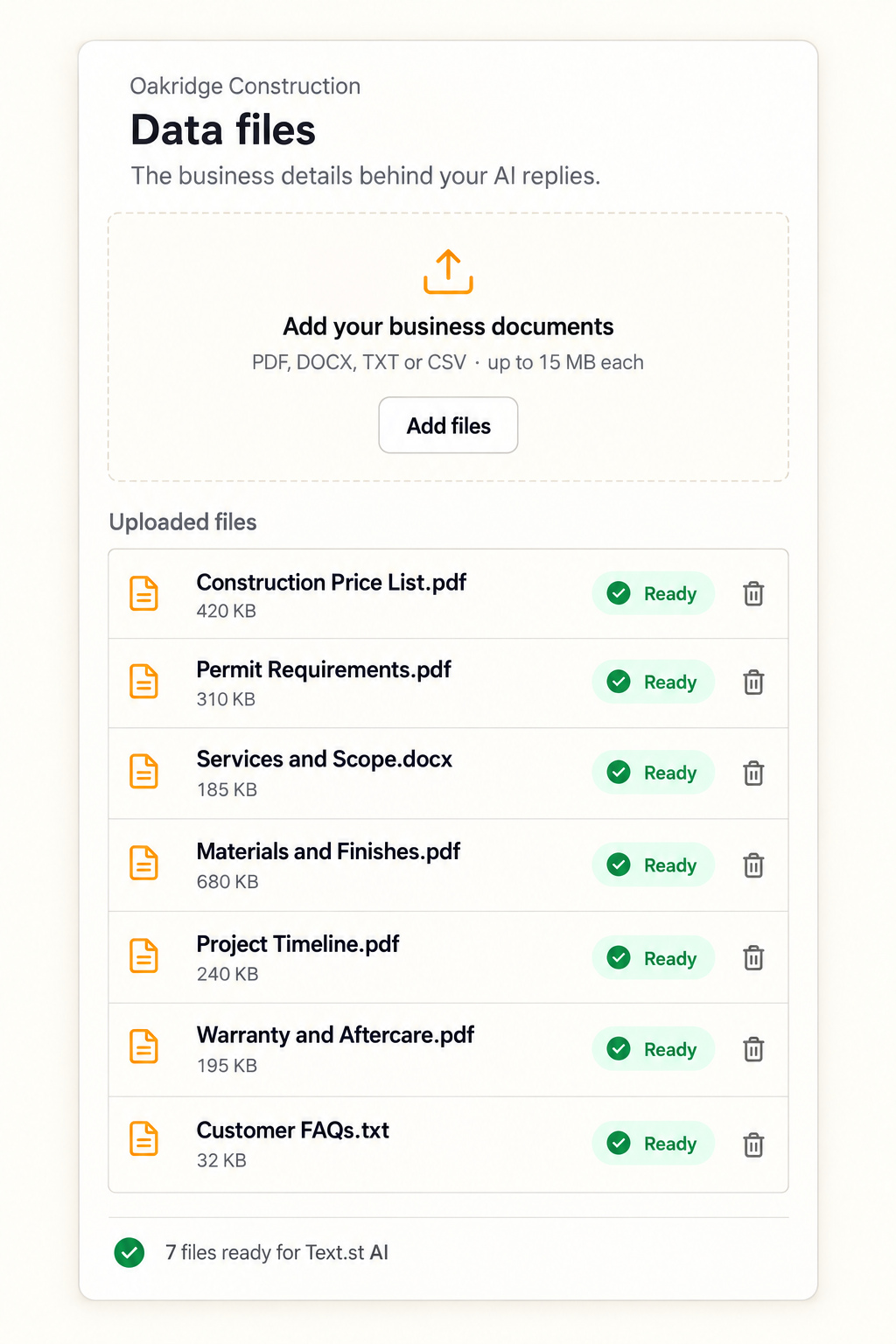
Text.st gives your business an activated phone number customers can text directly. Business Knowledge lets you teach its AI using website pages and uploaded documents, and the AI replies using the business knowledge you provide. Test Drive lets you try those replies before going live.
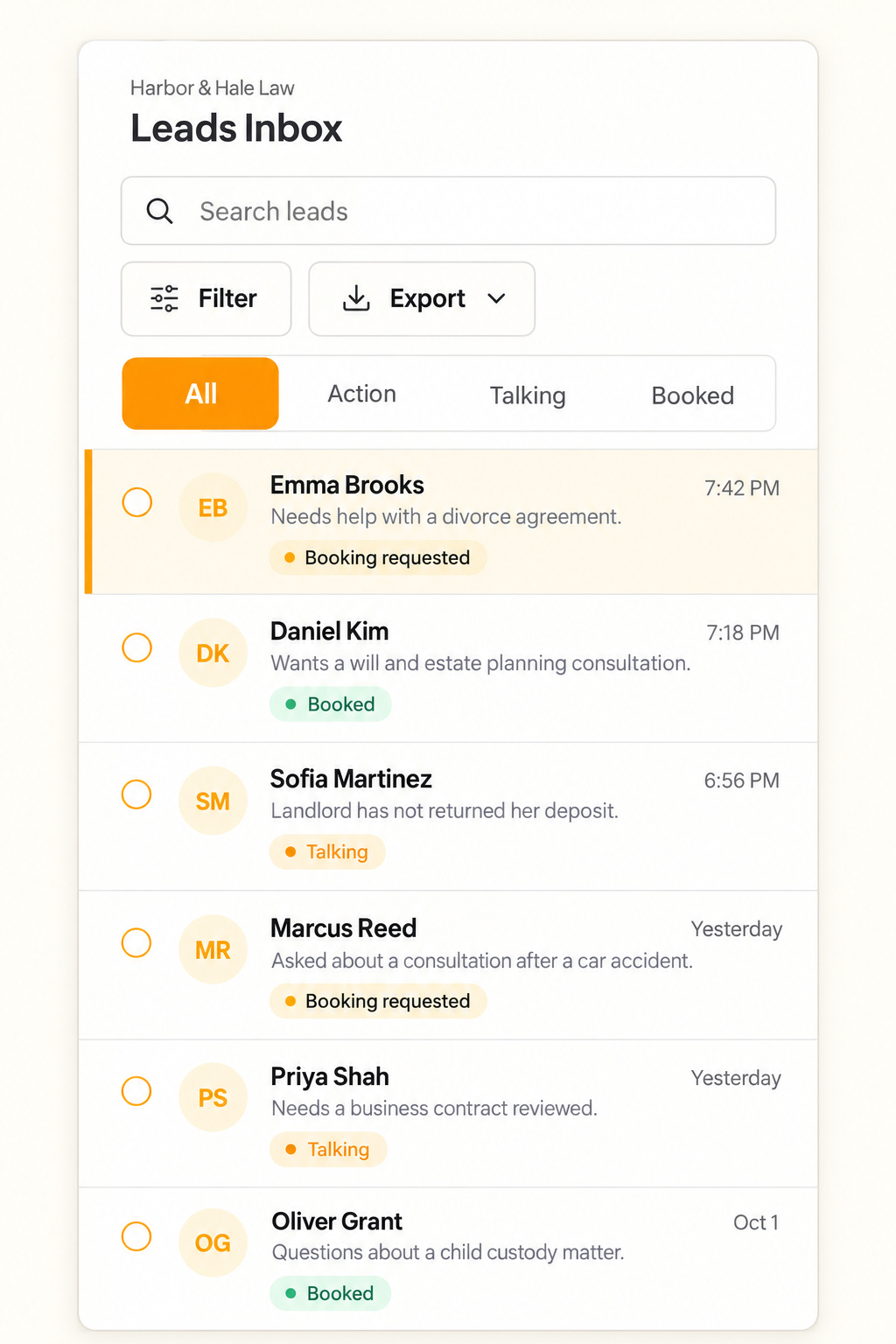
Text.st assists with messaging certification, which is required before business texting in some countries. Its shared Inbox shows every conversation to your team, and team members can reply. Use these capabilities to prepare answers and plan team coverage before sharing your number. [Get your business texting number with Text.st.](https://app.text.st/auth)
Common questions
Should I publish my business text number as soon as I sign up?Wait until you have confirmed that the number is activated and any required messaging certification is complete. Then check your customer instructions, test the conversation path, and decide who will review messages. Signing up should not be treated as confirmation that business texting is ready.
Can customers text my Text.st number without using my website?Yes. Customers can text your activated Text.st number directly, without a website widget. Website Widgets also let visitors start a text conversation from your website. For your initial launch, choose a clear place to display the number and explain what customers can text about.
What should I test before sharing the number with customers?Try questions about hours, services, and policies, plus a question your business information does not cover. Check the answers against your current materials. Text.st Test Drive lets you try AI replies before going live, so you can review them before inviting customer conversations.