Industry Playbooks
Restaurant Review Requests: Wait Until the Meal Is Over
Learn how to get more google reviews for restaurant meal timing, with practical guidance for takeout pickups and dine in departures.
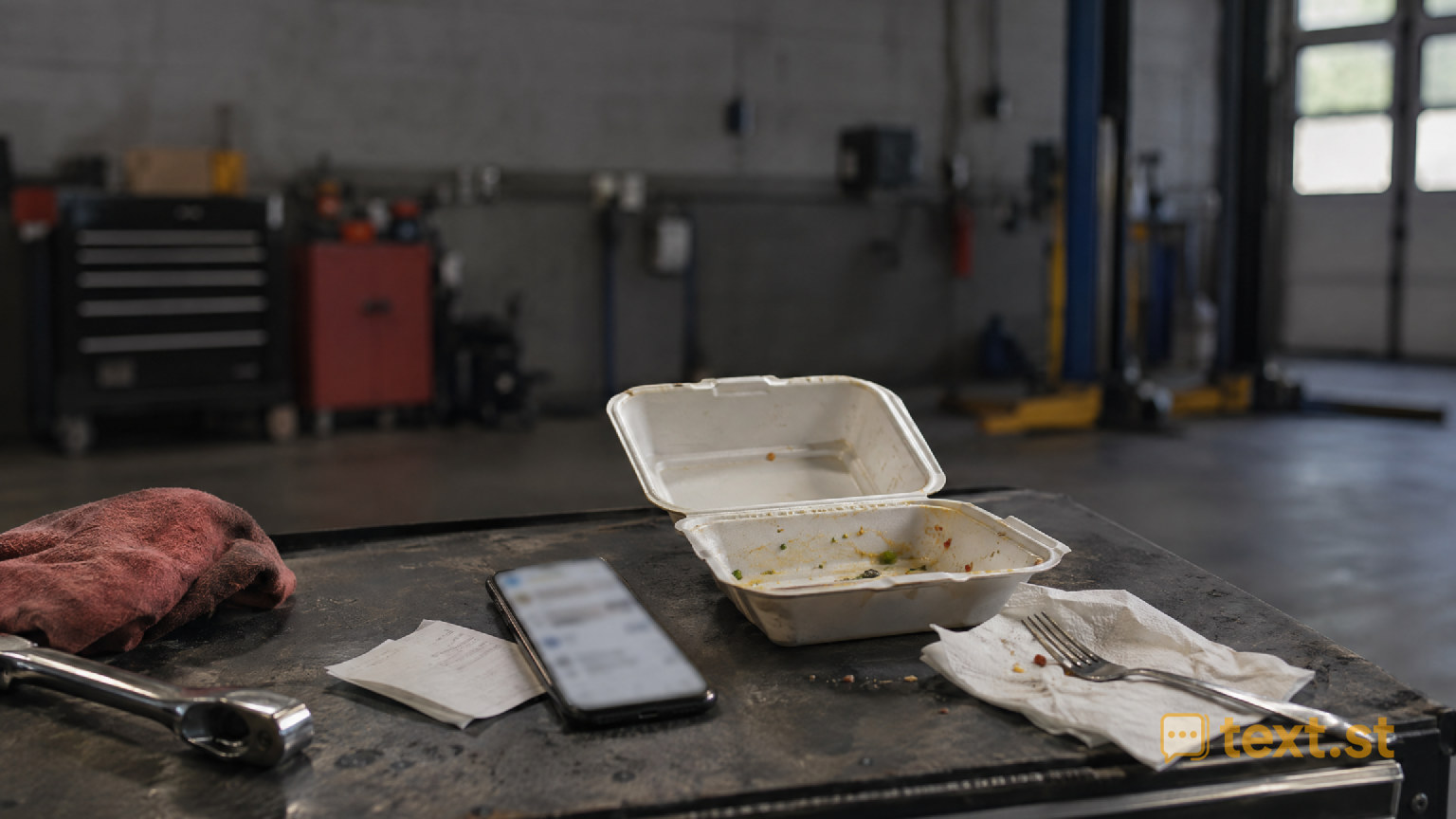
Let guests finish eating
Keep the review invitation from interrupting dinner: a guest is balancing a takeout bag while your cashier asks about Google reviews. They have not tasted the food yet. If you are looking for “how to get more google reviews for restaurant meal timing,” start by separating order completion from meal completion.
A handed over bag tells you the kitchen is finished, not that the guest has experienced the meal. Your invitation should respect that difference.
Separate pickup from the review ask
At pickup, focus on the handoff: confirm the order, explain anything the guest needs to know, and let them leave comfortably. Avoid asking them to stop and review while food is cooling.
For takeout, allow room for travel and eating before considering a text invitation. Use what you know about the order rather than treating the pickup moment as the right sending time. If the meal is intended for later, a receipt invitation lets the guest choose when to act without a text arriving before they eat.
Read the dine in departure
For guests eating in, wait until the meal has ended and payment is settled. A server can offer a brief invitation during the goodbye, without lingering over the table or asking anyone to open their phone.
Try: “Thank you for joining us. If you would like to share your experience, our receipt has a link to leave a Google review.” Keep the invitation optional and neutral. Use the same approach regardless of whether a guest praised the meal, and never make leaving a review part of checkout.
Keep the text about their meal
Before texting, confirm you have appropriate permission and follow applicable messaging rules. A phone number supplied for order updates should not automatically be treated as permission for review requests.
Write a message that identifies your restaurant and makes sense after eating: “Thanks for ordering from [Restaurant]. If you would like to share your experience, you can leave a Google review here: [review link].” For dine in guests, replace “ordering from” with “dining at.” Check that the link opens the correct restaurant location. If you already invited the guest at checkout, avoid piling on another request.
Give guests a reply path
Before sending, decide who will respond if a guest texts back about a missing side or another concern. Address the issue directly without making help conditional on a review.
Text.st gives your business an activated phone number customers can text, and review requests can be sent by text. The shared Inbox shows every conversation to the team, and team members can reply. Messaging certification can be required before business texting, and Text.st assists with it.
Get your business texting number with Text.st. Sign up at https://app.text.st/auth, then prepare your restaurant’s invitation wording and permission checks before sending.
Common questions
When should we invite a review for takeout ordered for later?Do not use pickup as a signal that the guest has eaten. For meals intended for later, include an optional invitation on the receipt so the guest controls the timing. If sending a permitted text, account for the intended mealtime rather than only the collection time.
Should we send a review text after a server already asked?Avoid stacking invitations simply because you have another way to contact the guest. Decide whether the departure invitation or a permitted text is the better fit for that visit. Let staff note that an invitation was offered so another teammate does not repeat it.
Can we use a phone number collected for takeout updates?Do not assume permission for order updates also covers review requests. Check what the guest agreed to and the messaging rules that apply to your business. If permission is unclear, use an optional receipt invitation rather than sending an unexpected review text.