Website Lead Capture
SMS Lead Capture: How to Handle Website Inquiries After Hours
Learn how SMS lead capture turns website questions into ongoing text conversations, with useful AI answers and a clear process for following up after hours.

How SMS lead capture works after business hours
Picture someone opening your website at 9:47 p.m. They finally have a moment to look for the service they need. Your team has gone home, but they still have questions. Do you serve their area? Can you help with their particular job? What happens if they contact you now?
SMS lead capture gives that visitor a way to start a text conversation and share what they need. Unlike a conversation tied to an open browser tab, the exchange can continue by SMS after they leave your website. Start with a clear invitation, useful answers and a practical plan for following up.
Make the first step easy
Look at your website on your phone after closing time. Is it obvious how to get in touch? Does the page explain what happens when your team is unavailable?
A clear “Text us” option can give visitors a starting point. Keep the invitation specific: “Have a question about our services? Send us a text.”
Place it where someone considering your business can find it, including your service and contact pages. Test the whole journey yourself, from the first tap to the first reply.
For website inquiries, place Website Widgets on relevant service and contact pages. Check the invitation, phone number and messaging consent on mobile. Once messaging is approved, a visitor can start a text conversation with your business rather than wait for your office to reopen.
Answer the questions that come before an inquiry
Some visitors need a small piece of information before they’re ready to explain their project. Make sure your website covers the basics: services offered, service areas, business hours, and how to request an appointment or quote.
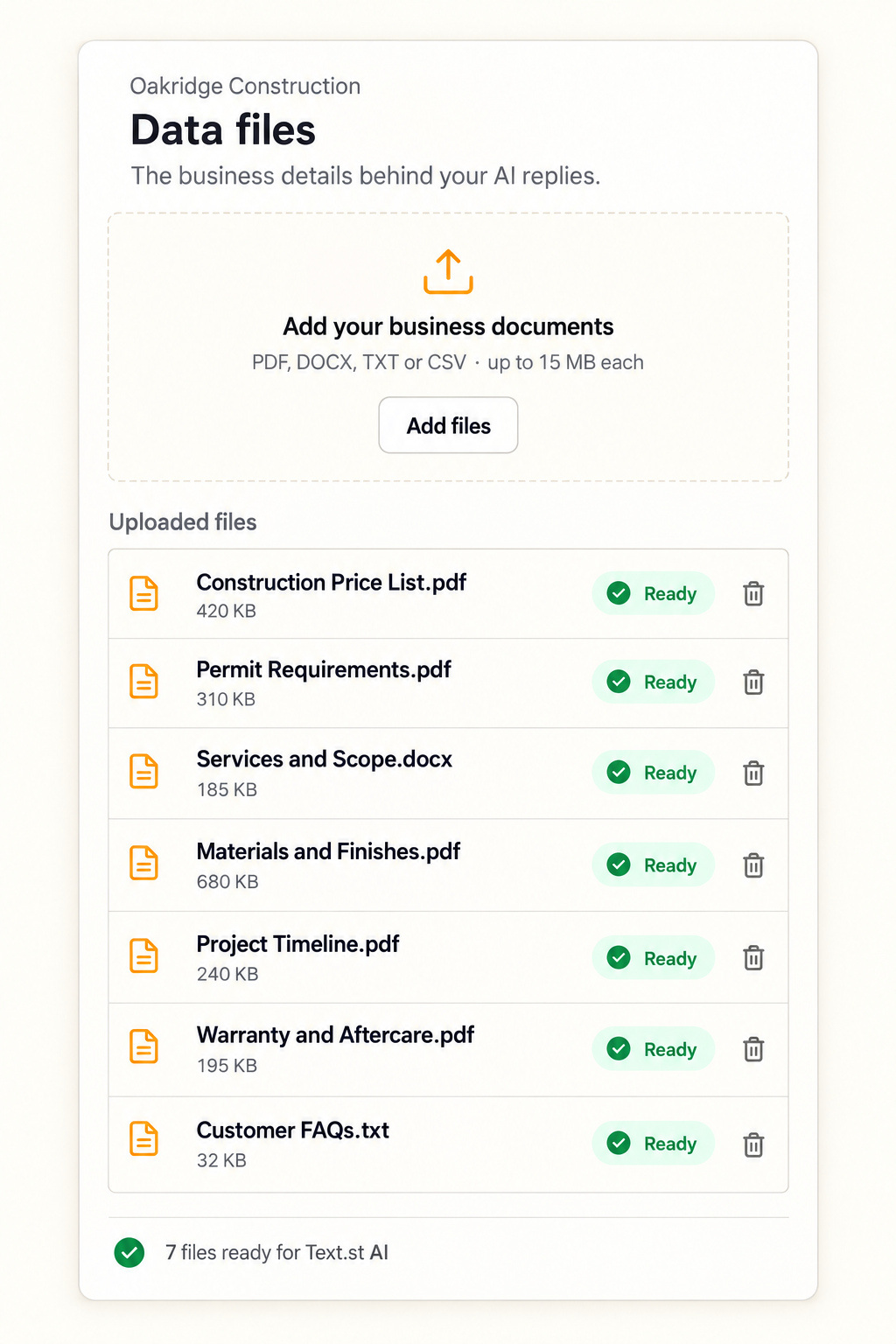
Keep those details current. If you use AI to respond to questions, give it accurate business information and a clear path for questions that need your team’s attention.
A useful response should help someone decide whether your business fits their needs.
Text.st AI can answer using the services, service areas, hours and guidance you provide in Business Knowledge. Check those answers before relying on them after hours. A question outside that guidance may need your team to follow up, so do not imply that AI replaces every staff decision.
Ask for enough detail to follow up
Keep the initial conversation focused. Depending on your business, useful details might include the person’s name, the service they need, their area, and their preferred timing.
You can gather more information as the conversation develops. The goal is to give your team enough context to pick things up smoothly.
Be clear about what happens next
Explain when a person from your team is likely to respond. If an appointment needs staff approval, make that clear. If booking is available, show which step actually confirms it.
Check that your after-hours wording matches your real process. Customers should be able to tell whether they’ve asked a question, requested an appointment, or completed a booking.
Bring the conversation into the next business day
Capturing an inquiry is the beginning. Decide who reviews overnight conversations and how they follow up. Read what the customer has already shared before asking for more.
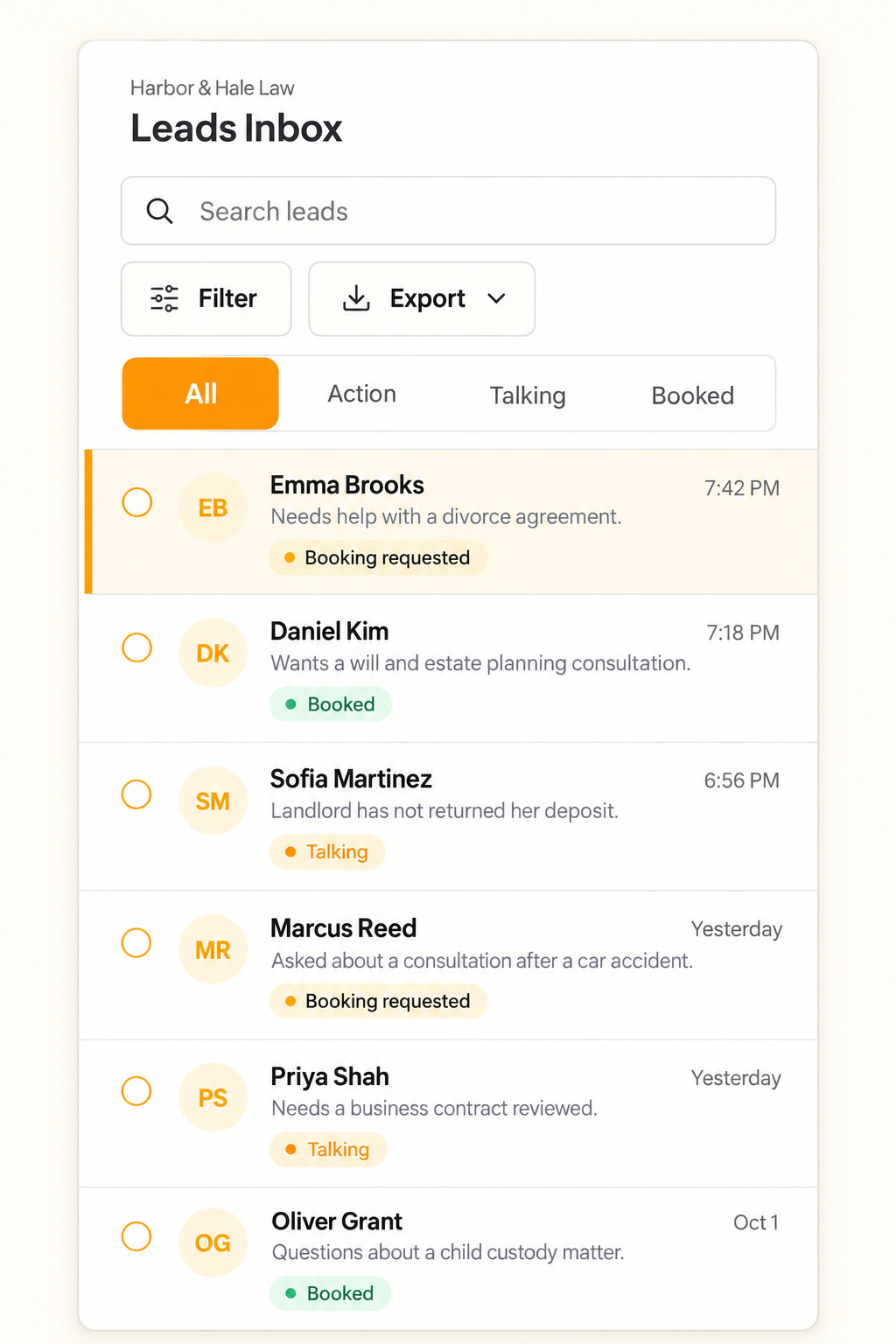
With Text.st, the conversation continues by SMS after a visitor leaves your site. Leads Inbox keeps the request and conversation history visible so your team can review the context and continue during business hours.
Keep appointment requests distinct from confirmed bookings. Text.st can support bookings through configured services and availability, but your wording should explain the actual confirmation step.
Review the questions that appear repeatedly. They can show you where your website and Business Knowledge need clearer information. Keep service areas, hours and follow up expectations current.
Explore Text.st SMS lead capture after hours to see the product workflow, then compare Text.st plans for the tools and AI reply allowances. SMS sending, receiving and applicable carrier charges are separate.