Industry Playbooks
Dental Reminders That Respect the Workday
Plan a dental appointment reminder text for workday privacy with friendly examples, considerate timing, and a clear approach to patient replies.

Respect the moment it arrives
Keep appointment reminders useful without putting private details on display. Picture your patient serving lunch through a food truck window when their phone lights up beside the till. A dental appointment reminder text for workday privacy needs to make sense at a glance without describing why they are visiting.
For a dental practice owner, the practical question is not just what to send. It is how to fit the reminder around a patient’s working day while giving the front desk a manageable way to handle replies.
Ask about timing before sending
At booking, ask whether the patient wants appointment reminders by text and whether a particular part of the day is inconvenient. Confirm the intended number and record their communication preference according to your practice’s procedures. Do not assume lunchtime is a break for everyone.
Choose a reminder window that leaves room to discuss a schedule change before the visit. Whenever practical, align it with staffed reception hours. Before choosing a texting tool, check your practice’s privacy and consent requirements; minimal wording alone does not establish compliance.
Write for a visible phone preview
Assume the message could appear on a screen beside a coworker. Even the practice name can reveal context, so agree on appropriate identification with the patient rather than promising that a short message is private. Leave treatment names, symptoms, insurance questions, and clinical instructions out of routine reminders.
A neutral example is: “Hello from [agreed practice name]. This is a reminder of your appointment on [day] at [time]. Please call reception if your plans have changed.”
If your team handles scheduling replies, try: “Hello from [agreed practice name]. Your appointment is on [day] at [time]. Need a different time? Reply to ask reception for help.”
Plan for the reply during a shift
A patient may read the reminder while working but reply after reception closes. Explain when scheduling replies will be reviewed, and avoid wording that suggests a requested change is already confirmed. Keep the existing appointment status clear until staff have agreed on a replacement.
Give reception a response for messages that include health details: “Please call the practice so we can discuss that appropriately.” Follow your practice’s procedures for clinical concerns. Staff should know who checks replies, who handles schedule changes, and how to flag anything needing clinical attention.
Connect reminders with team follow through
Review your current reminder today. Remove unnecessary clinical detail, check the patient’s timing preference, and assign responsibility for replies before sending it.
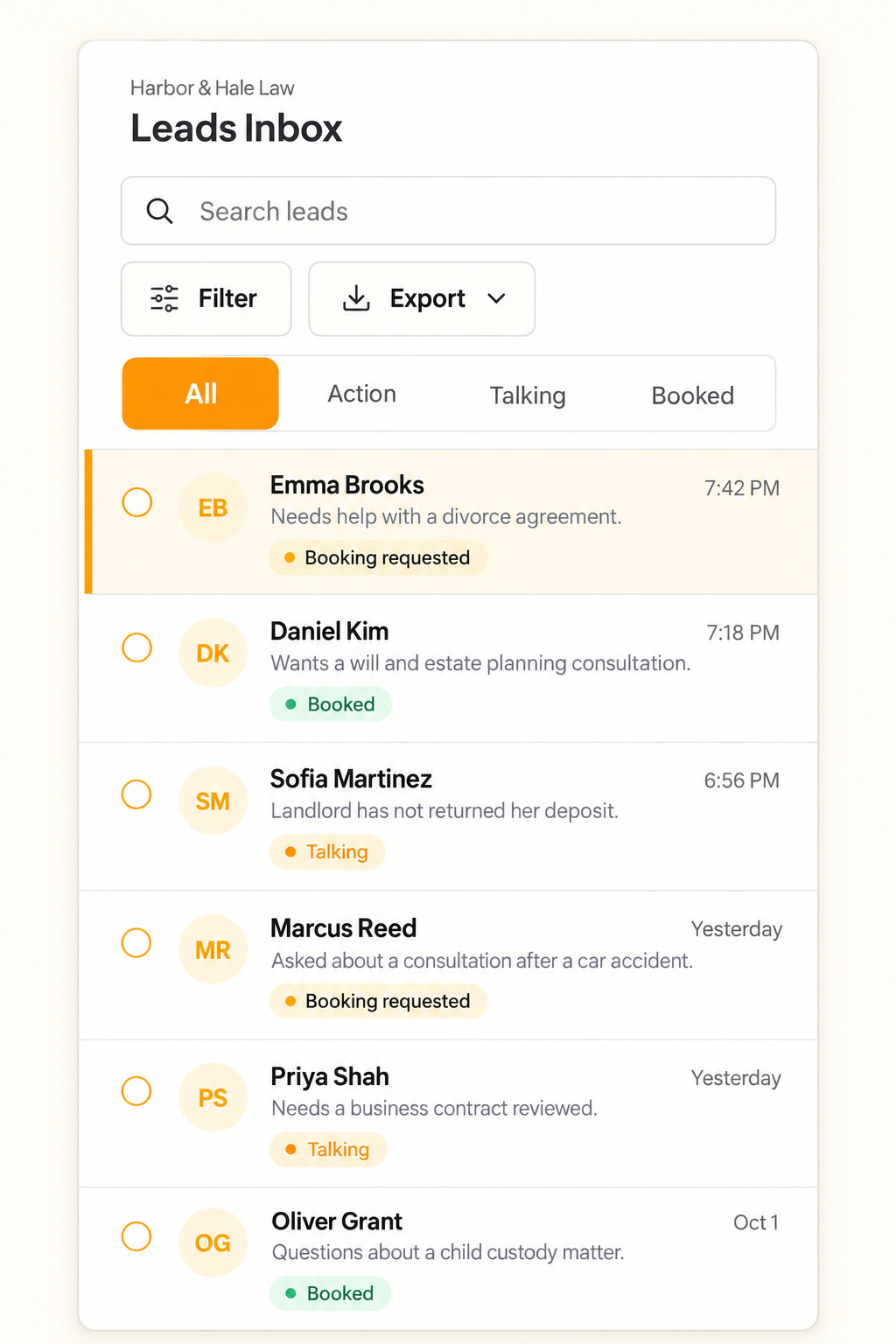
Text.st can send booking reminders by text. Its shared Inbox shows every conversation to the team, and team members can reply. Those capabilities are relevant when reception needs visibility into incoming scheduling questions. Text.st also assists with messaging certification, which is required before business texting in some countries; certification is not a substitute for your practice’s privacy review. Get your business texting number with Text.st. Sign up at https://app.text.st/auth.
Common questions
Should we send dental reminders during a patient’s lunch break?Ask rather than assume. Lunch can be a busy working period, particularly in food service and retail. Record the patient’s preferred contact window through your practice’s procedures, then choose timing that also gives reception a reasonable opportunity to handle scheduling replies before the appointment.
Can we leave the dental practice name out for privacy?Discuss appropriate sender identification with the patient and follow applicable requirements. An unexplained reminder can look suspicious, while a practice name can reveal context on a visible screen. Do not substitute a vague identity without checking your practice’s policies and the patient’s communication preferences.
What if a patient replies with symptoms instead of a scheduling question?Follow your practice’s process for clinical messages rather than treating the reply as routine scheduling. Direct the patient to the appropriate contact route, and alert the responsible staff member under your procedures. Avoid inviting further health details into the reminder conversation.