Bookings and Lead Management
How to Confirm Your Service Area by Text
Learn how to confirm service area by text with clear questions, useful replies, and a simple process for directing customers to the right next step.

Avoid the coverage surprise
You are packing up after a job when a text comes in: “Can you come to my place?” The address is outside the area you usually serve, but the customer does not know that yet. A clear way to confirm service area by text can prevent an awkward booking conversation and help both sides decide what to do next.
Start by treating the question as a request for guidance, not just an address check. The customer needs to know whether you can help, what information you need to decide, and what happens if their location is outside your area. A short, considerate reply gives them a path forward without making them guess.
Define your coverage in plain language
Write down how you describe your service area to a customer. You might use towns, neighbourhoods, postal codes, or a clear boundary such as “within a short drive of our shop.” Use the wording your team can explain consistently, and include any important exceptions. If coverage depends on the type of work, say that plainly rather than implying every job is available everywhere.
Check that your website, booking information, and staff guidance use compatible wording. If a boundary is hard to describe, list the places you do serve and the nearby areas you do not. Clear information makes it easier to answer a text without having to reconstruct your policy each time.
Ask for only what you need
When a customer asks whether you travel to them, request the smallest useful detail. Depending on your process, that may be a town, postal code, or the general location of the job. Avoid asking for a full address before you need it. If the customer is unsure, explain which detail will help you check coverage.
Keep the question warm and direct. For example: “What town is the job in? I can check whether it is within our service area.” If coverage depends on the work requested, ask for a brief description too. Set expectations about when your team will review the details, and do not suggest that a booking is confirmed until it is.
Prepare useful replies for edge cases
Plan for the situations that often need a little explanation: a location near your boundary, a service you only offer in certain areas, or a customer just outside your usual coverage. A helpful reply can explain the limit and offer a next step, such as sharing more details for review or asking whether the customer can contact a provider closer to them.
Avoid vague replies like “probably” when your team needs to check. If you cannot confirm coverage yet, say what information is missing and who will follow up. Keep the tone respectful. Even when you cannot take the job, a clear answer leaves the customer with a better understanding of their options.
Make the answer consistent across your team
Keep your service area wording where the people answering customer messages can find it. Review it when your coverage changes, and test the replies your team plans to use. That small maintenance step helps prevent one person from offering a visit another person would decline.
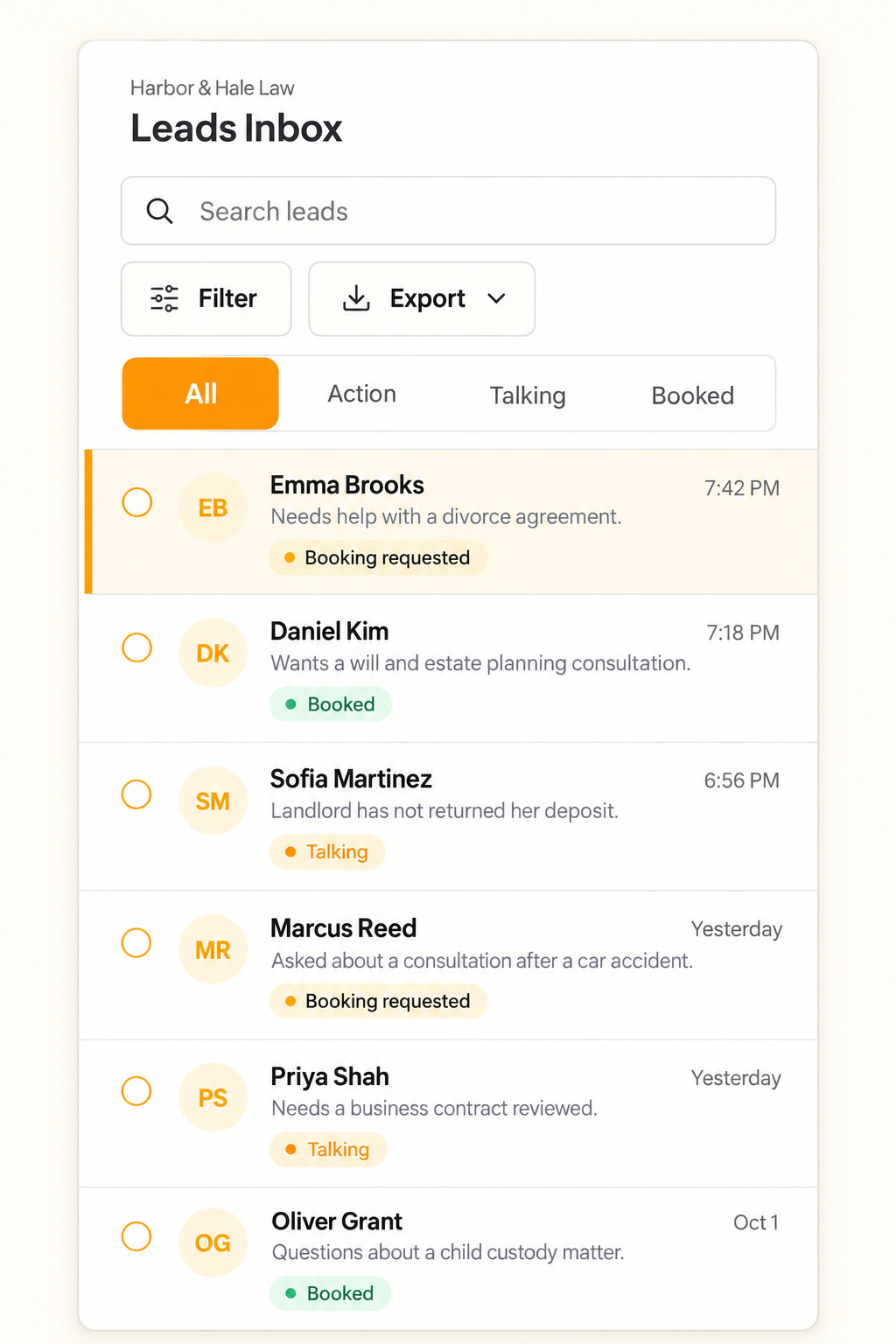
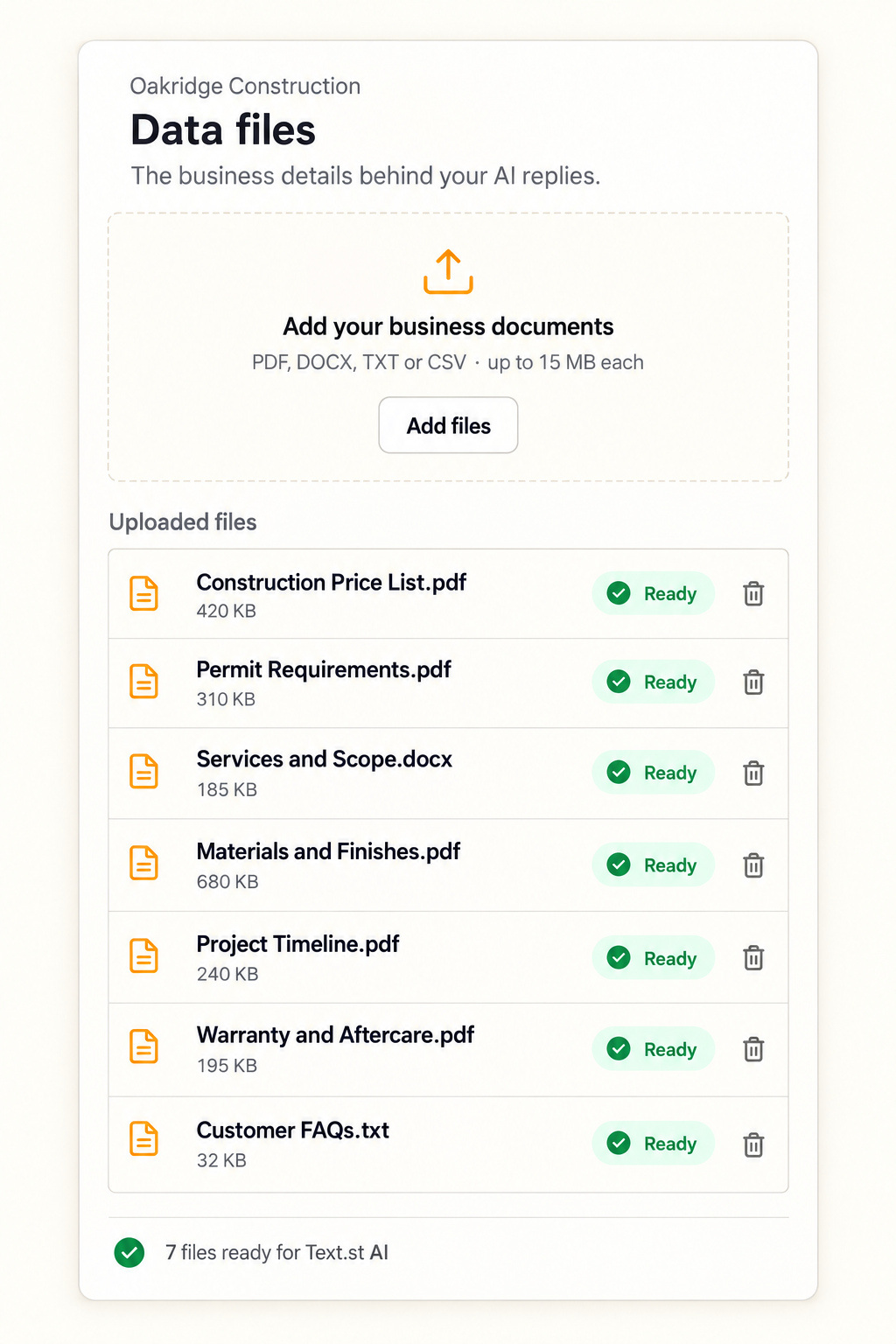
Text.st gives a business an activated phone number customers can text, and customers can also start a conversation from a website widget. Its AI replies using Business Knowledge you provide through website pages and uploaded documents. Test Drive lets you try the replies before going live. The shared Inbox lets the team see conversations and reply, while leads and contacts stay in the Inbox and CRM for follow up. Bookings can be supported where configured. Text.st also assists with messaging certification, which is required before business texting in some countries. Messaging usage and carrier charges are separate from the subscription. [Get your business texting number with Text.st.](https://app.text.st/auth)
Common questions
What should I ask a customer to check whether they are in my service area?Ask for the least sensitive location detail that lets you check coverage, such as their town or postal code. If your service area depends on the type of work, ask for a brief description too. Explain why you need the information, and avoid treating the visit as booked until coverage is confirmed.
How should I reply when a customer is just outside my usual service area?Be direct and courteous. Explain that the location is outside your usual coverage, then offer a realistic next step if you have one, such as reviewing the request or suggesting the customer contact a closer provider. Do not imply that you can take the job if your team has not confirmed it.
Can Text.st AI answer questions about where my business works?Text.st AI replies to customer text messages using Business Knowledge your business provides through website pages and uploaded documents. Include clear service area wording in that knowledge, then use Test Drive to try the replies before going live. Your team can also see conversations and reply in the shared Inbox.